My account

Sign in with your credentials, or register for a new account
When you log out, all unsaved projects and your shopping cart will be deleted for security reasons.

Biometric Passport Photo App

Create verified passport photos quickly, easily and securely with your smartphone

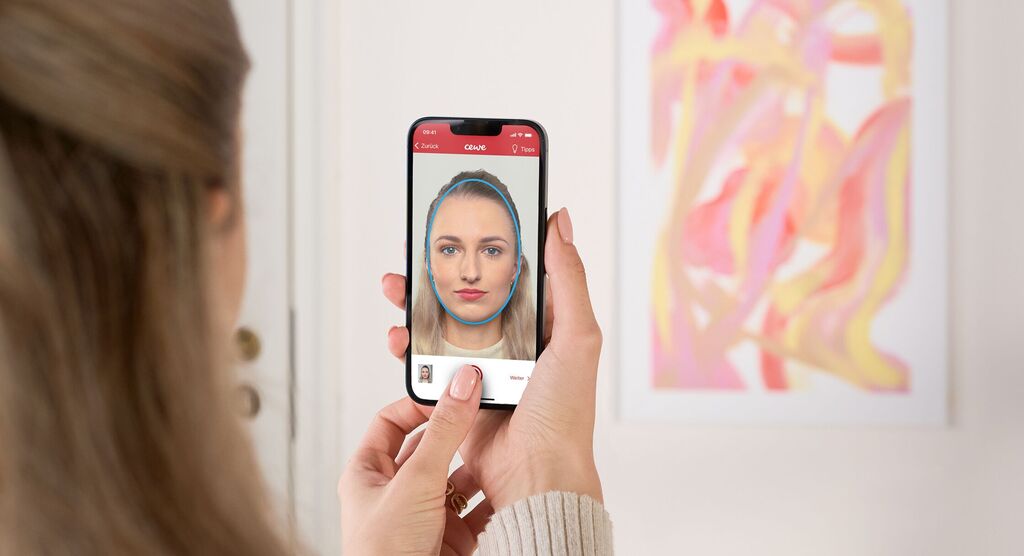
A person takes a selfie with their smartphone in a cozy room. The CEWE app is visible, showcasing personalized products.

Benefits at a glance:

  • Create your own passport photos in 3 minutes
  • Guaranteed recognition by authorities
  • Integrated biometric verification
  • Europe-wide print option at over 20,000 CEWE Photostations
  • Digital copy downloaded directly onto your smartphone
  • Optimal image quality from the market leader CEWE
DOWNLOAD APP

Global Test Programme

Available for all Countries which do not yet have the App listed in their stores

If you are not from Germany, Austria or Switzerland, please fill out the application form to join our Global Developer/Test programme.

Regional Specifications and Legal Requirements

Please select your Country from the list below

Danish Flag Denmark
German Flag Germany
British Flag United Kingdom
Italian Flag Italy
Swiss Flag Switzerland
Spanish Flag Spain
Austrian Flag Austria
Dutch Flag Netherlands
Belgian Flag Belgium
Polish Flag Poland
French Flag France

Your passport photo solution – from the comfort of your own home

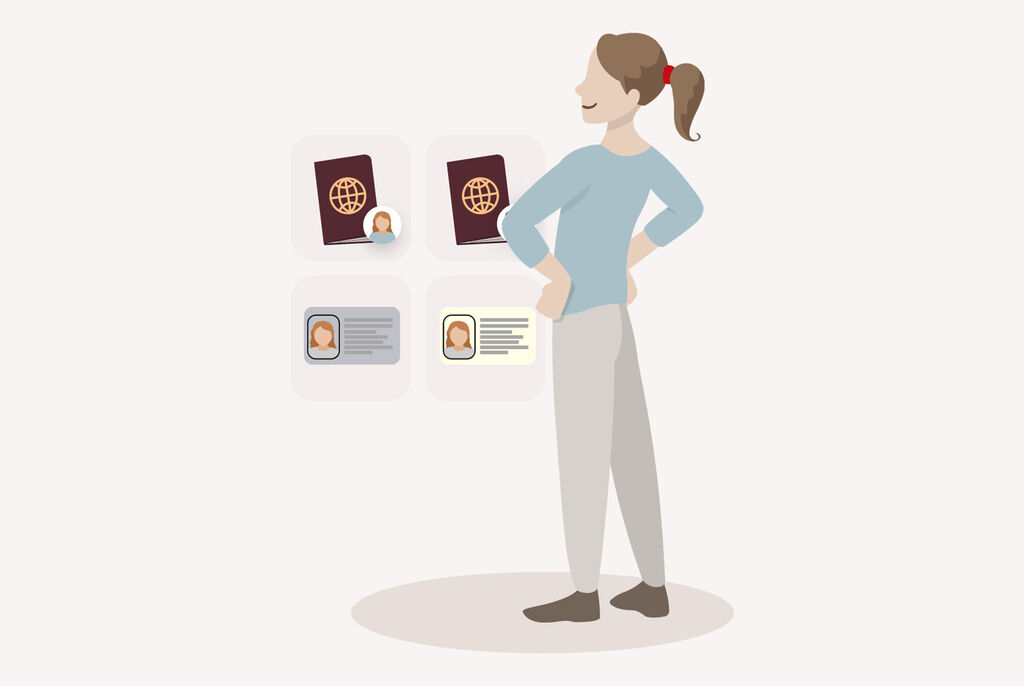
A woman standing smiling in front of various passports and IDs.A woman standing smiling in front of various passports and IDs.

1. Select a document Select the document for which you want to take the passport photo.

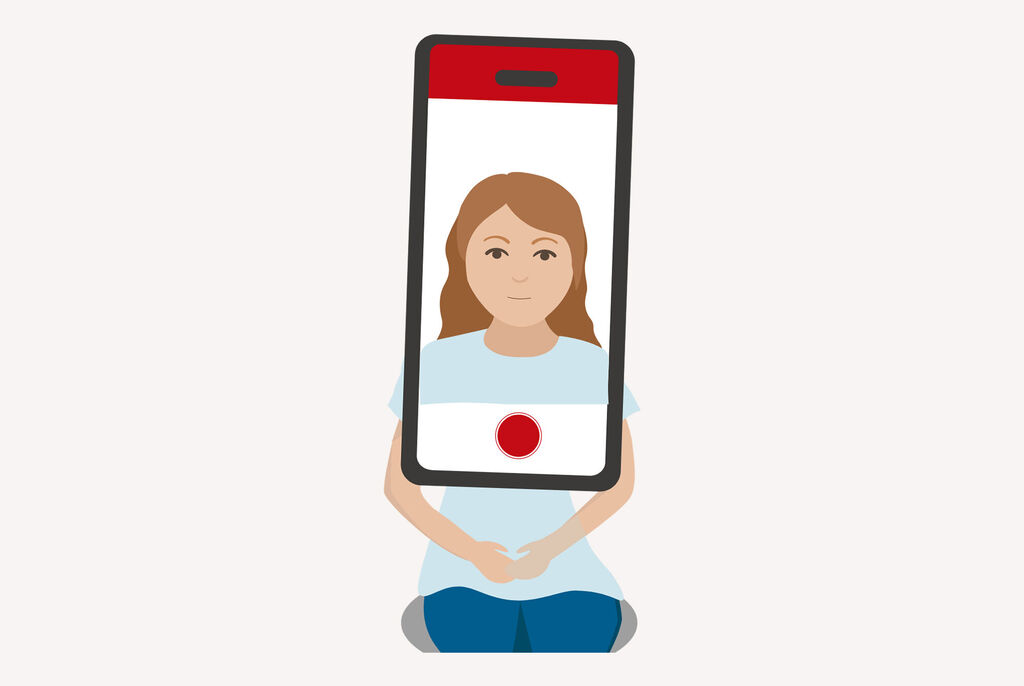
A person with long hair holding a smartphone. The smartphone displays a red-colored capture.A person with long hair holding a smartphone. The smartphone displays a red-colored capture.

2. Take a passport photo Take as many photos of yourself as you want. Tip: It's easiest if someone takes the photos for you.

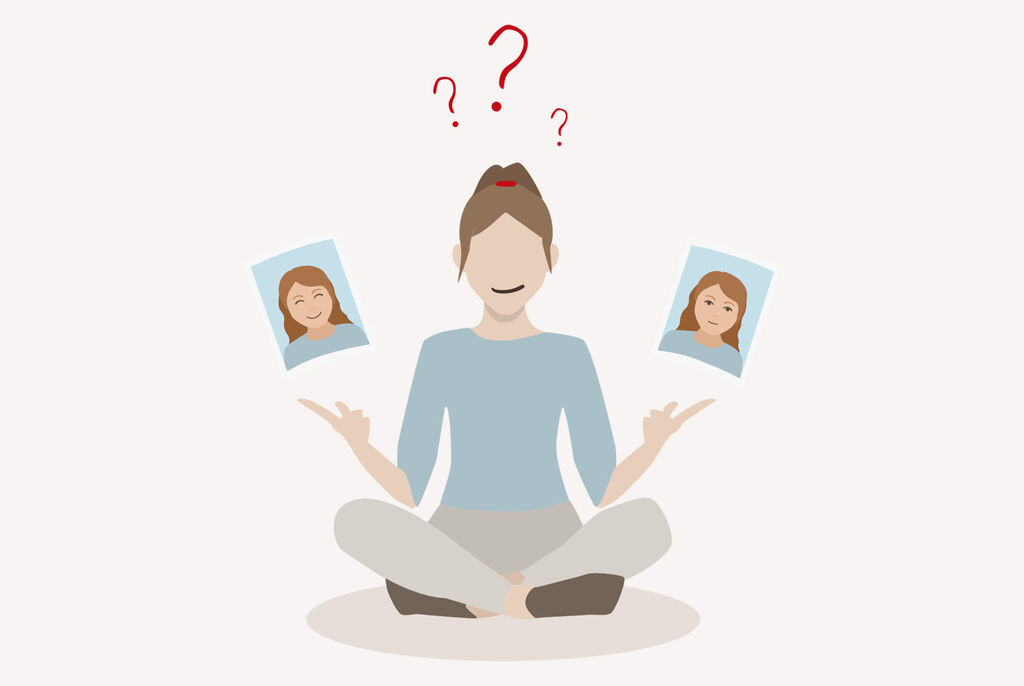
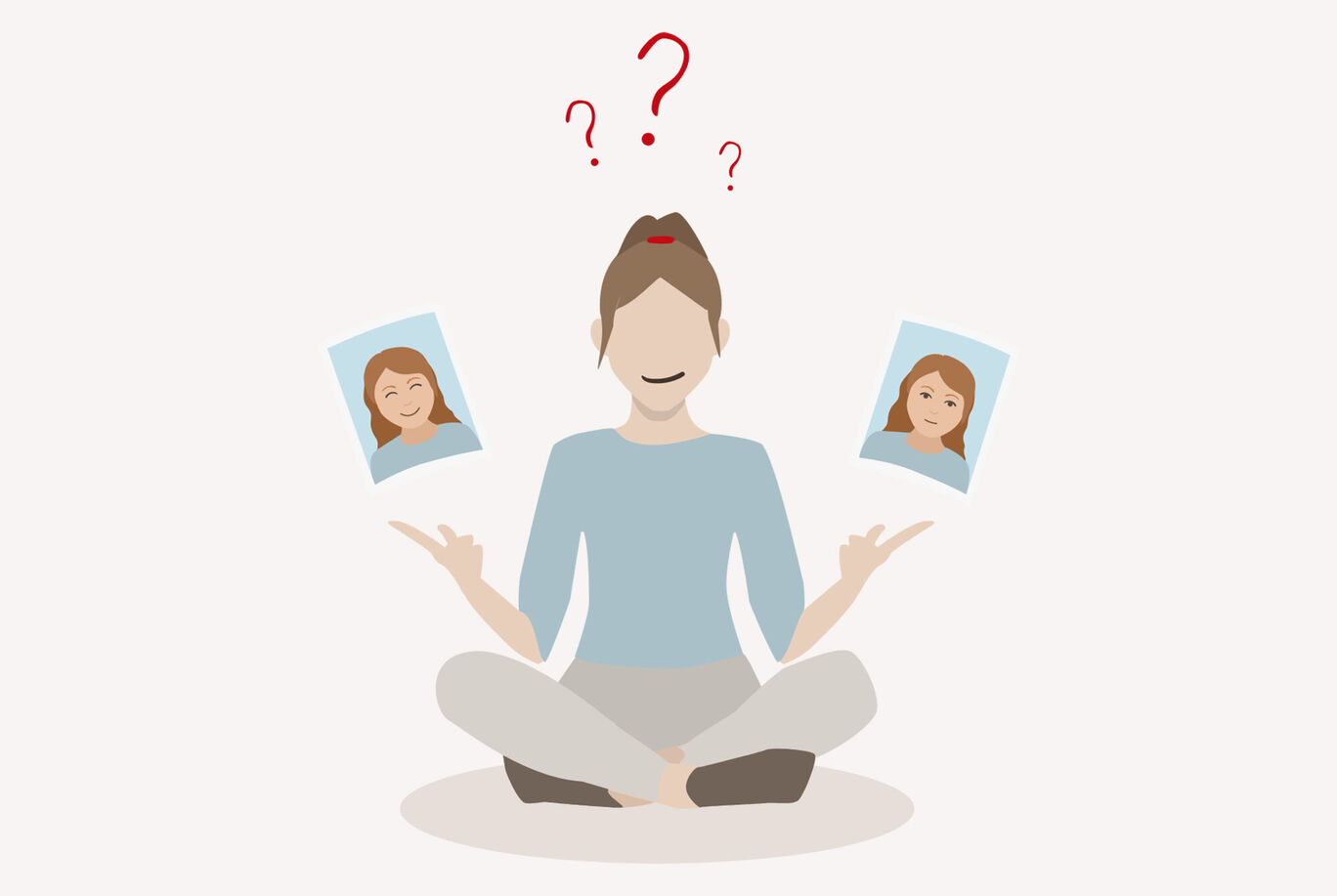
A woman sitting in a lotus position holding two pictures. She is friendly and relaxed, pondering her choice.A woman sitting in a lotus position holding two pictures. She is friendly and relaxed, pondering her choice.

3. Choose your favourite Choose the photo you like best. Please make sure that the requirements for biometric passport photos have been met.

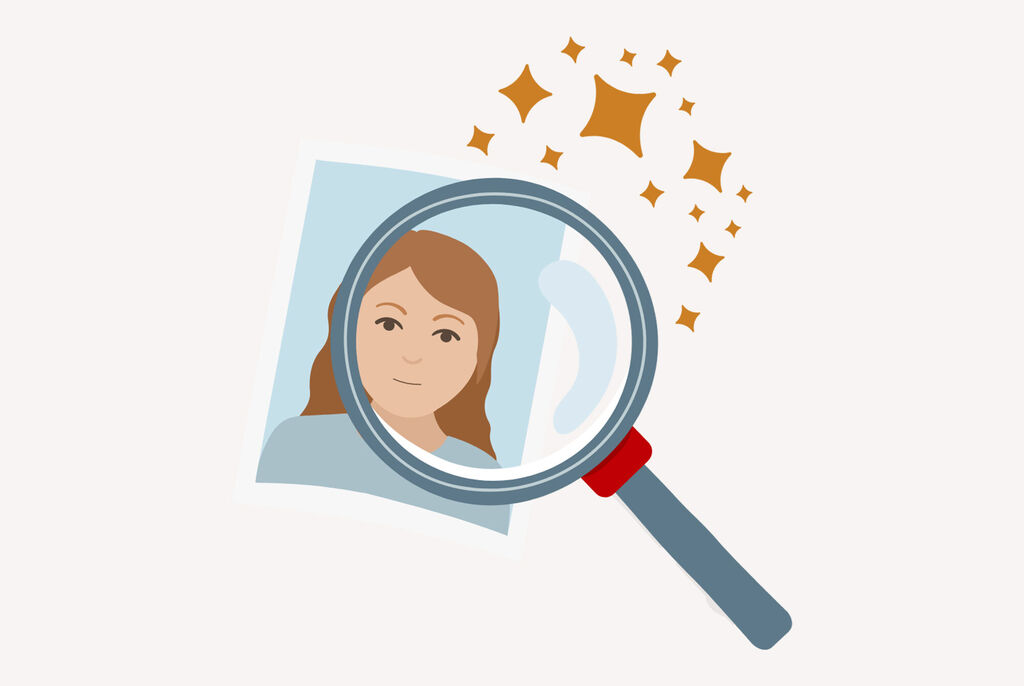
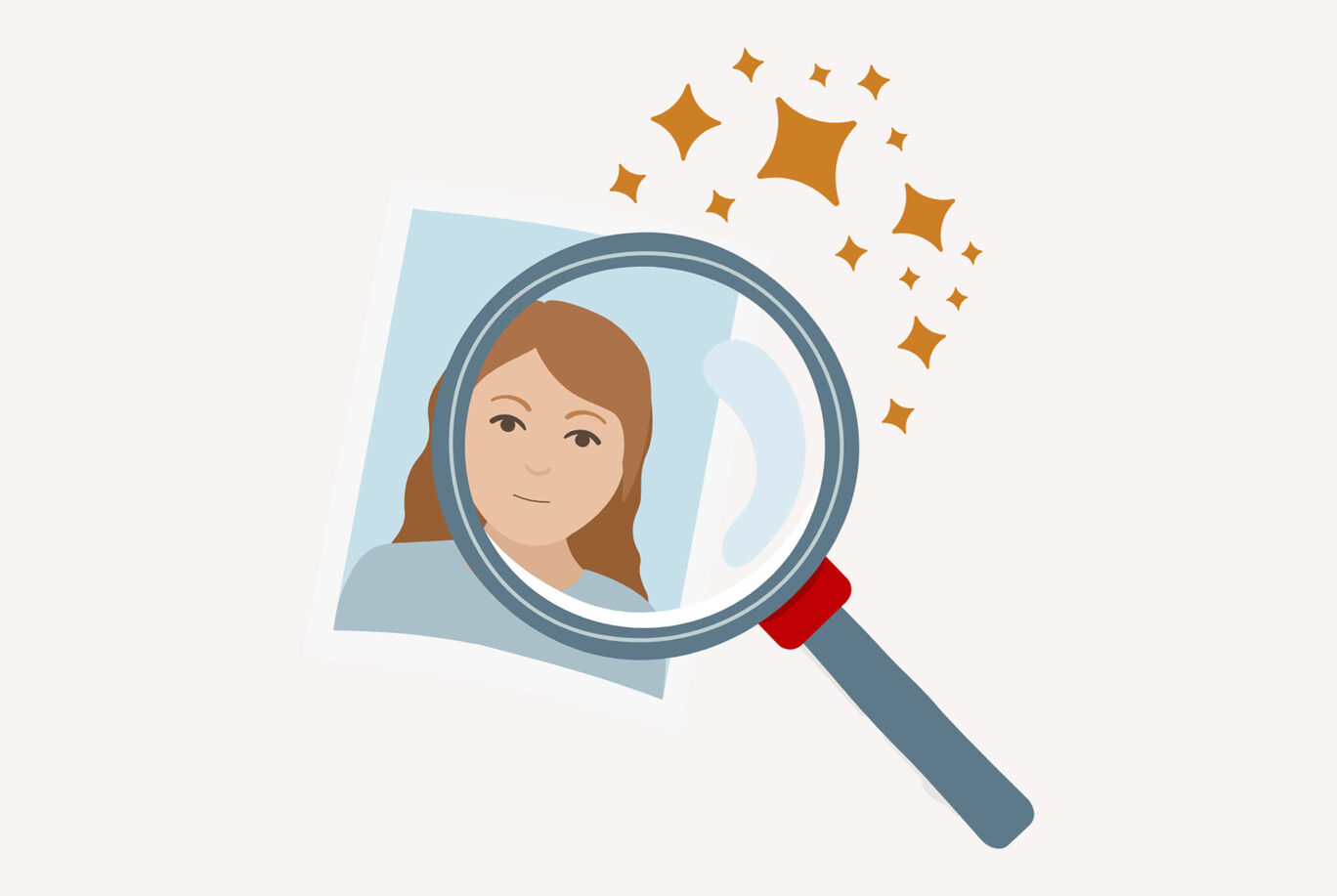
Enlarged view of a photo with magical sparksEnlarged view of a photo with magical sparks

4. Biometric verification Let the app automatically check your passport photo for biometric suitability. We guarantee that the passport photos will be accepted by the authorities.

Woman with smartphone stands at a photo printer, holding pictures.Woman with smartphone stands at a photo printer, holding pictures.

5. Download and print After purchasing, you can download the passport photo and save it on your smartphone. You can also print a sheet of passport photos at a CEWE Photostation.

Tips for taking passport photos

Our tips to help you get the best results for your passport photos

A person smiling and being photographed with a smartphone while sitting on a sofaA person smiling and being photographed with a smartphone while sitting on a sofa

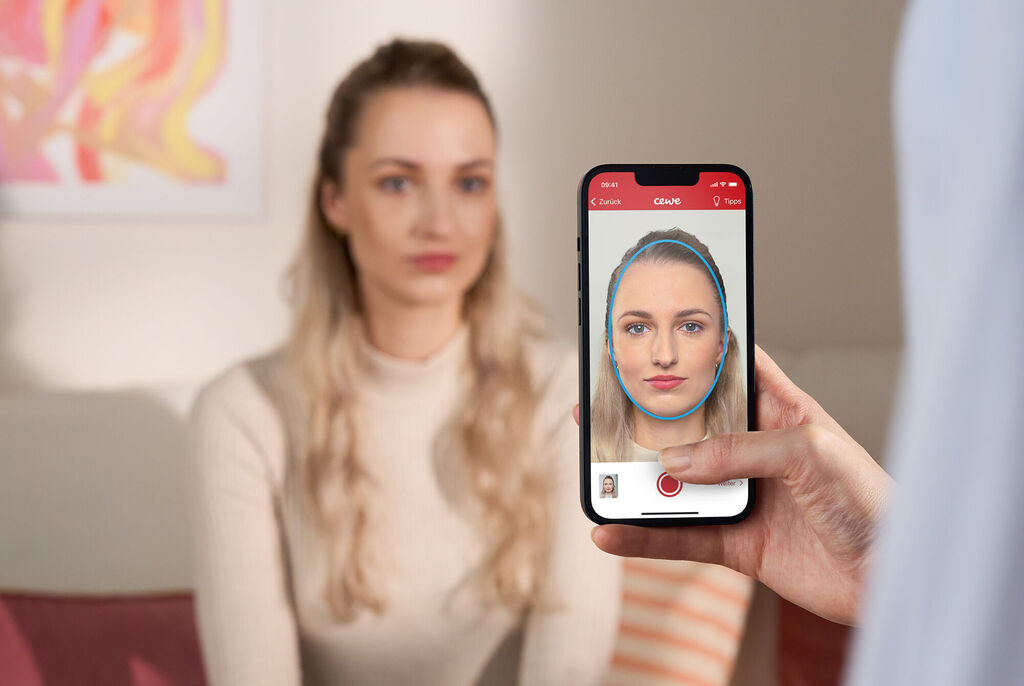
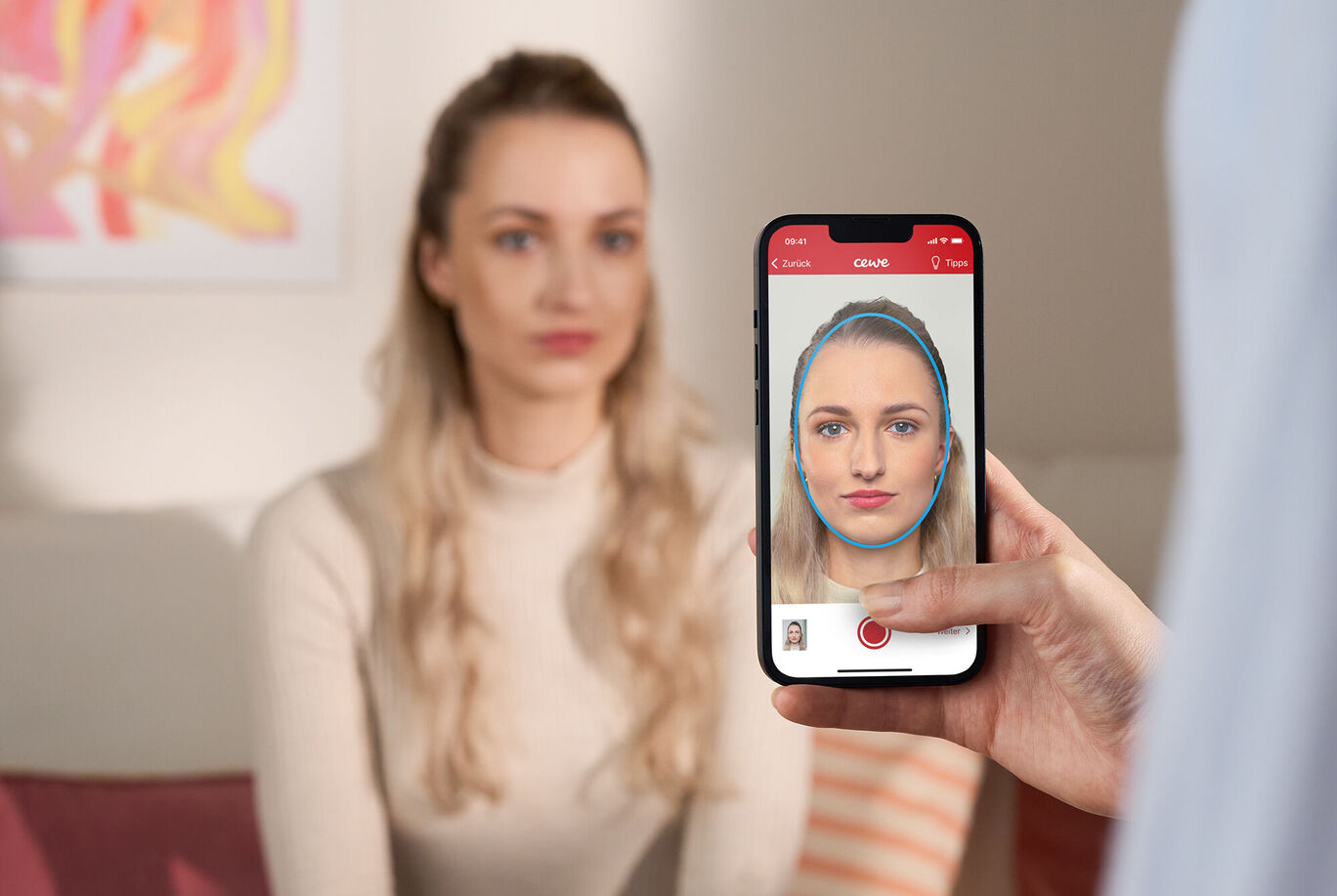
Get someone to help you You'll get the best result when you get someon to take the photo for you, but you can also use the selfie mode to take the photo yourself.

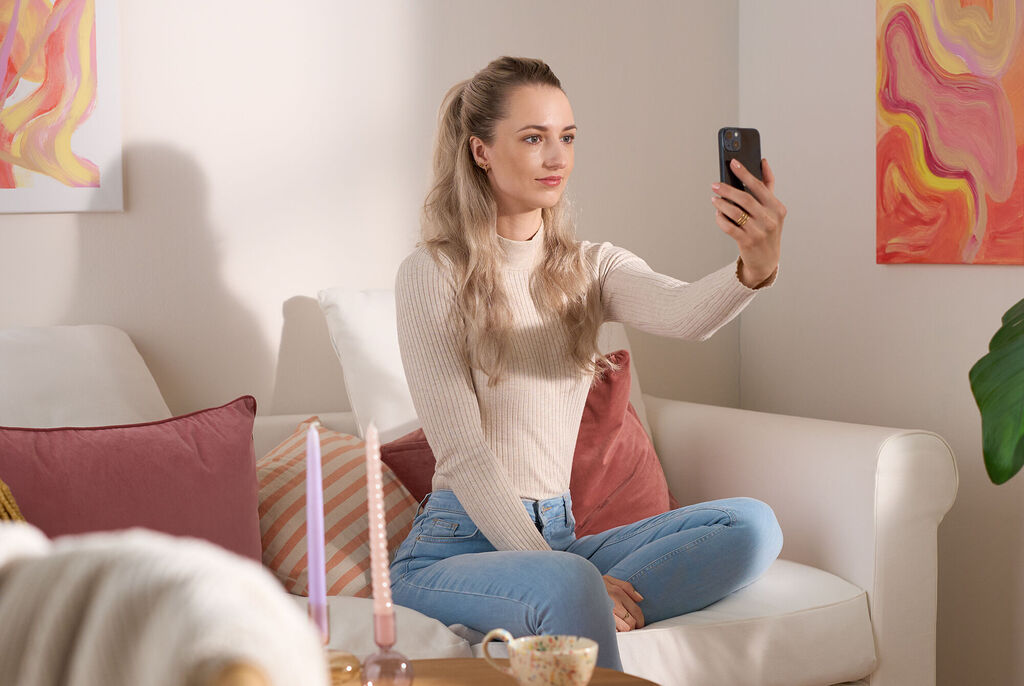
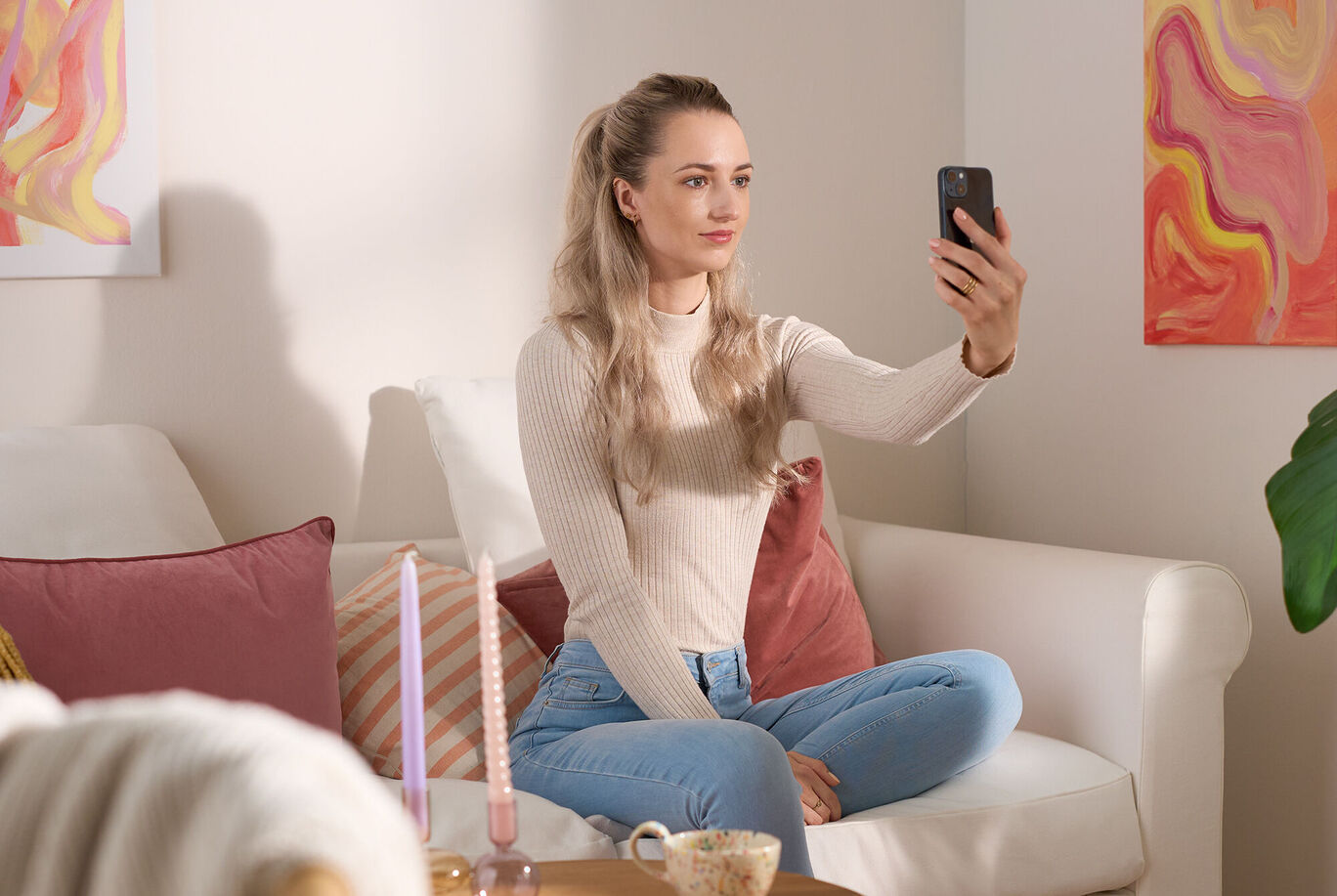
A woman comfortably sitting on a sofa taking a selfie with her smartphone, with colorful images in the background.A woman comfortably sitting on a sofa taking a selfie with her smartphone, with colorful images in the background.

Distance is important Hold your front camera approx. 40 cm away from your face. If you use the rear camera, you can also take the picture from 1-2 m away.

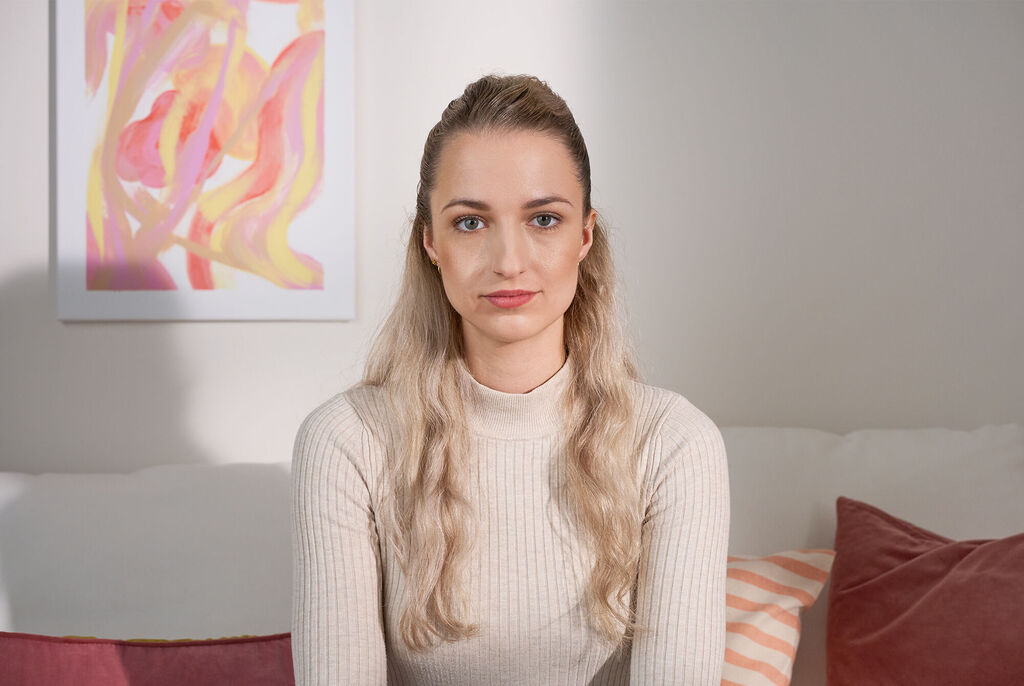
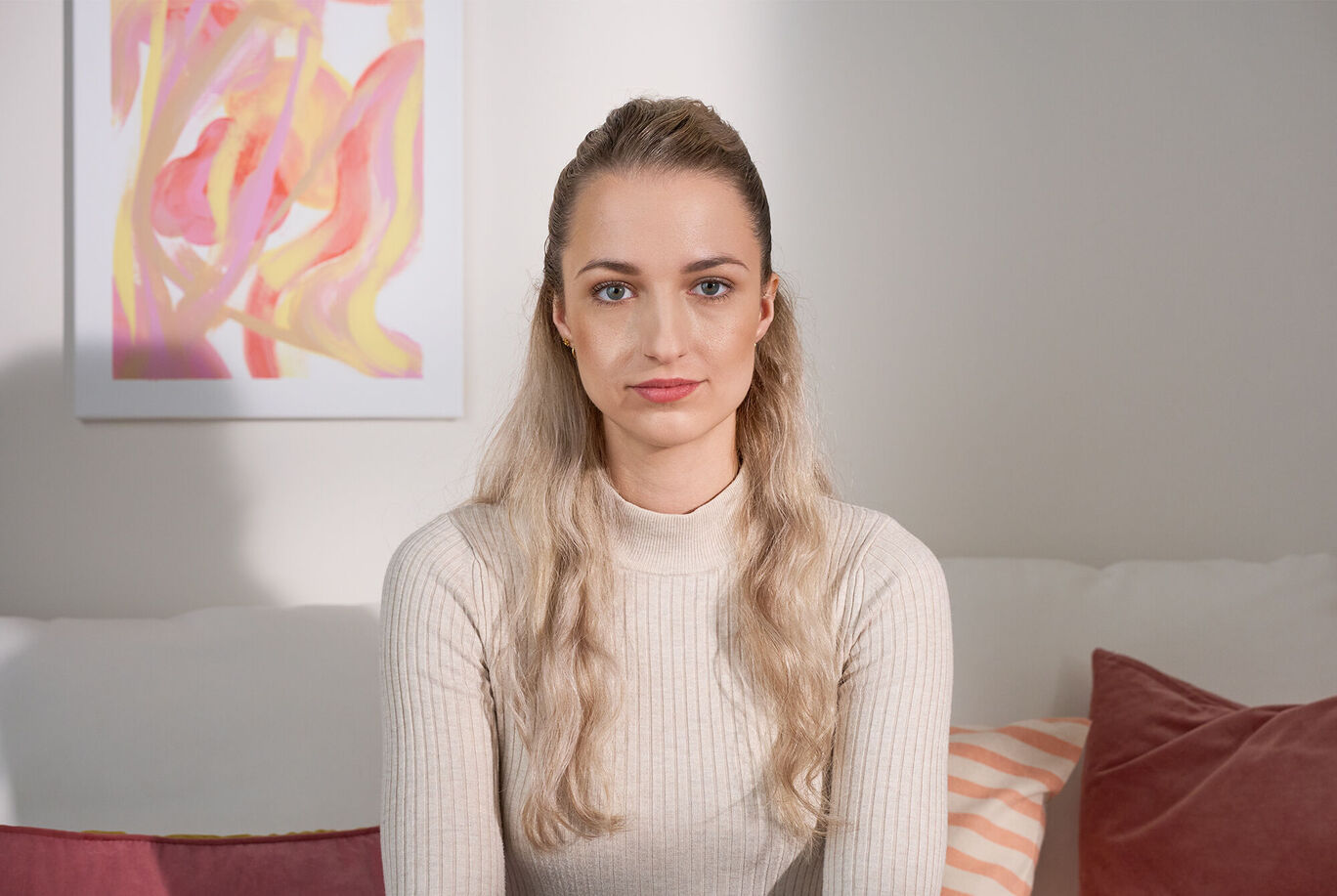
A person with long blonde hair sitting on a sofa. The background is bright and friendly with colorful cushions and cheerful artwork on the wall.A person with long blonde hair sitting on a sofa. The background is bright and friendly with colorful cushions and cheerful artwork on the wall.

Look straight into the camera Look directly into the camera and avoid tilting your body. Remember that portrait mode shots are not allowed.

Two women with different hairstyles stand against a neutral background.Two women with different hairstyles stand against a neutral background.

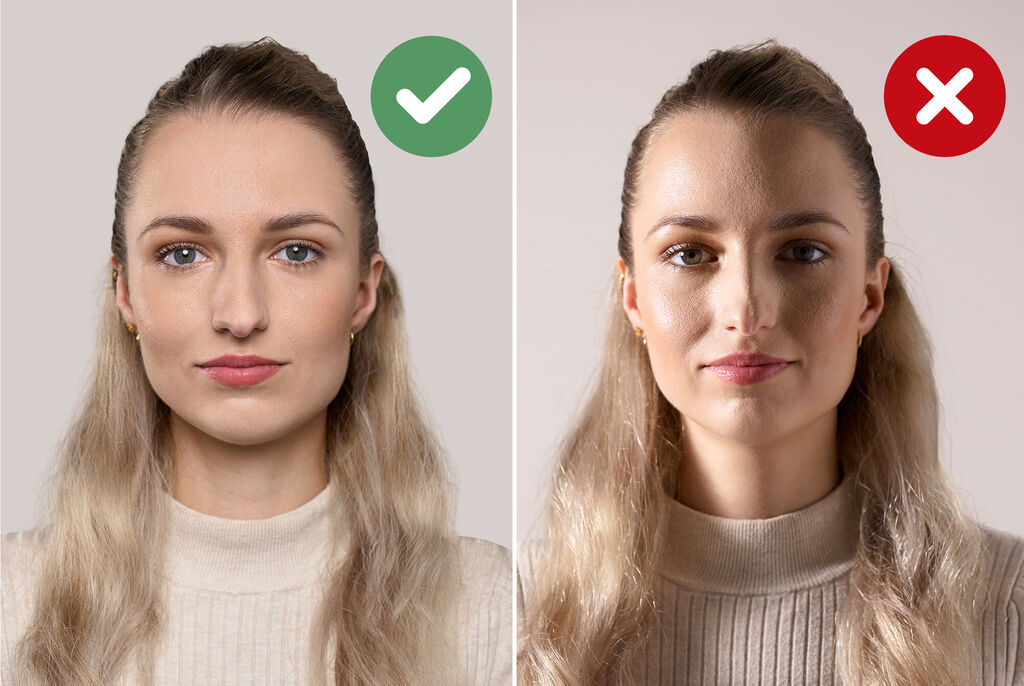
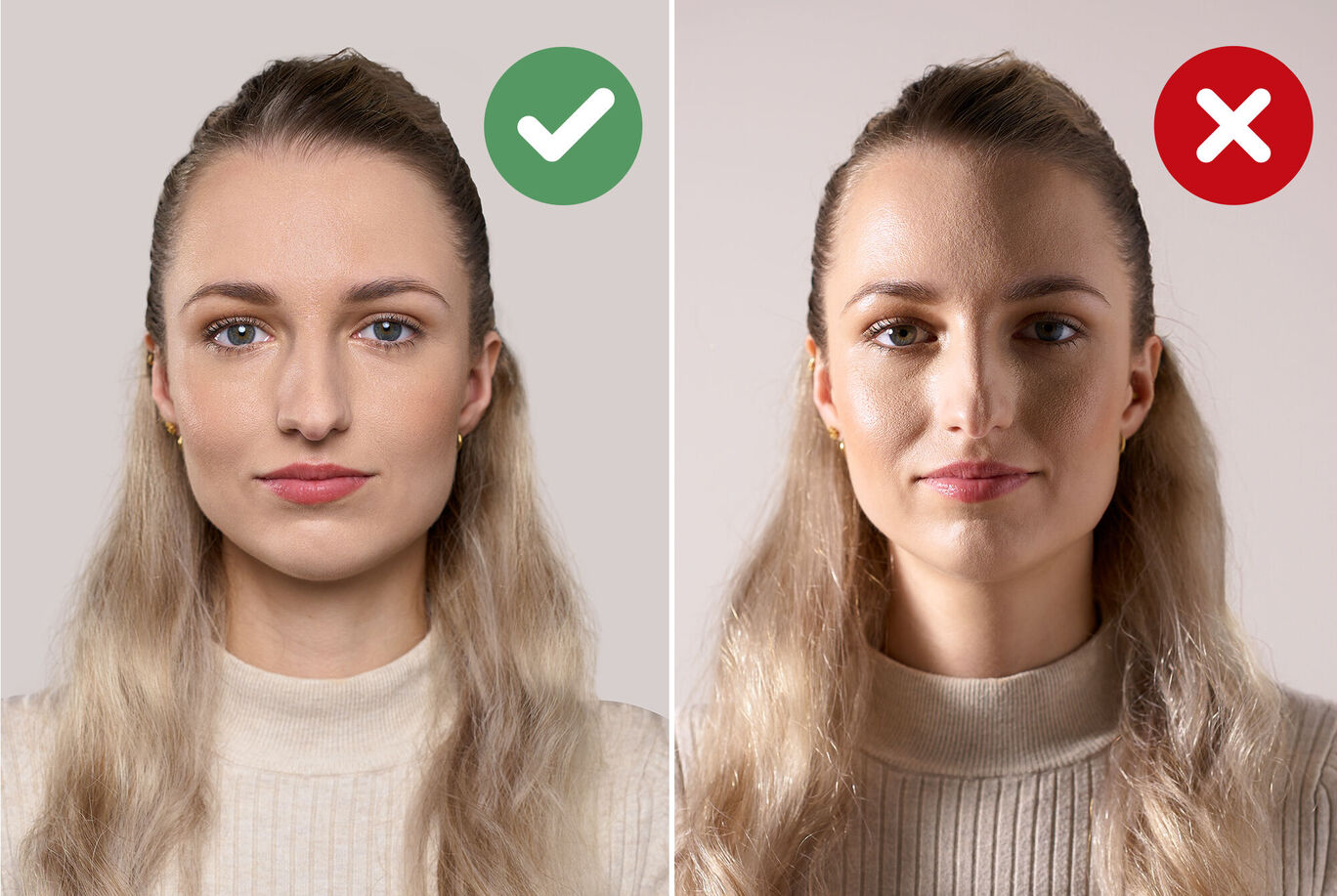
Lighting For good lighting, it's best to take the photo in daylight. Make sure the lighting around your face is even.

Two portraits of a person with a green checkmark and a red cross.Two portraits of a person with a green checkmark and a red cross.

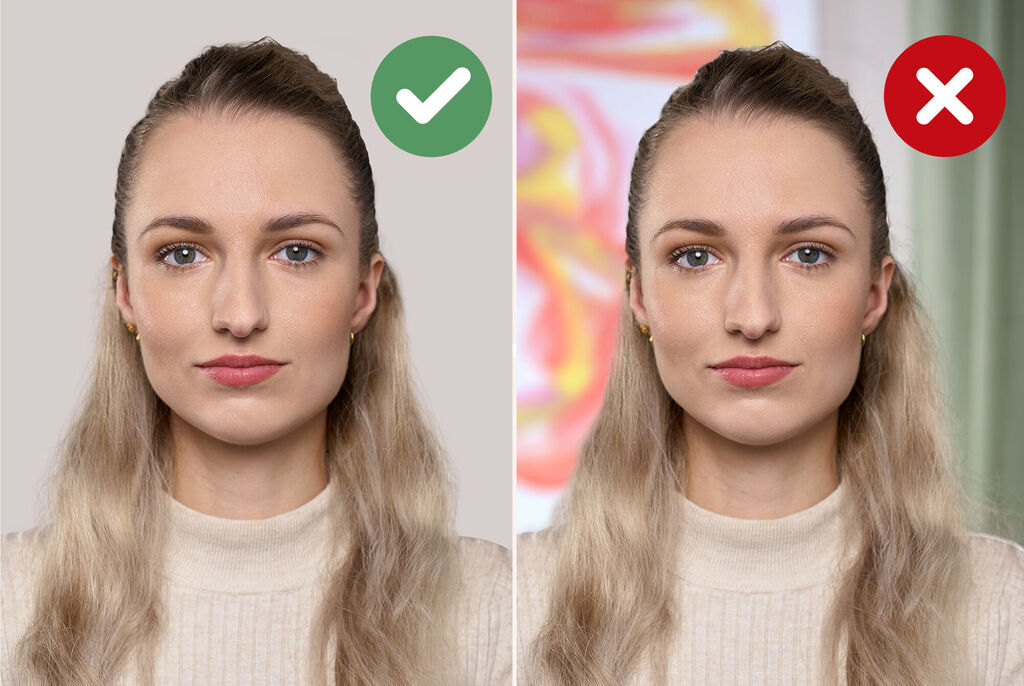
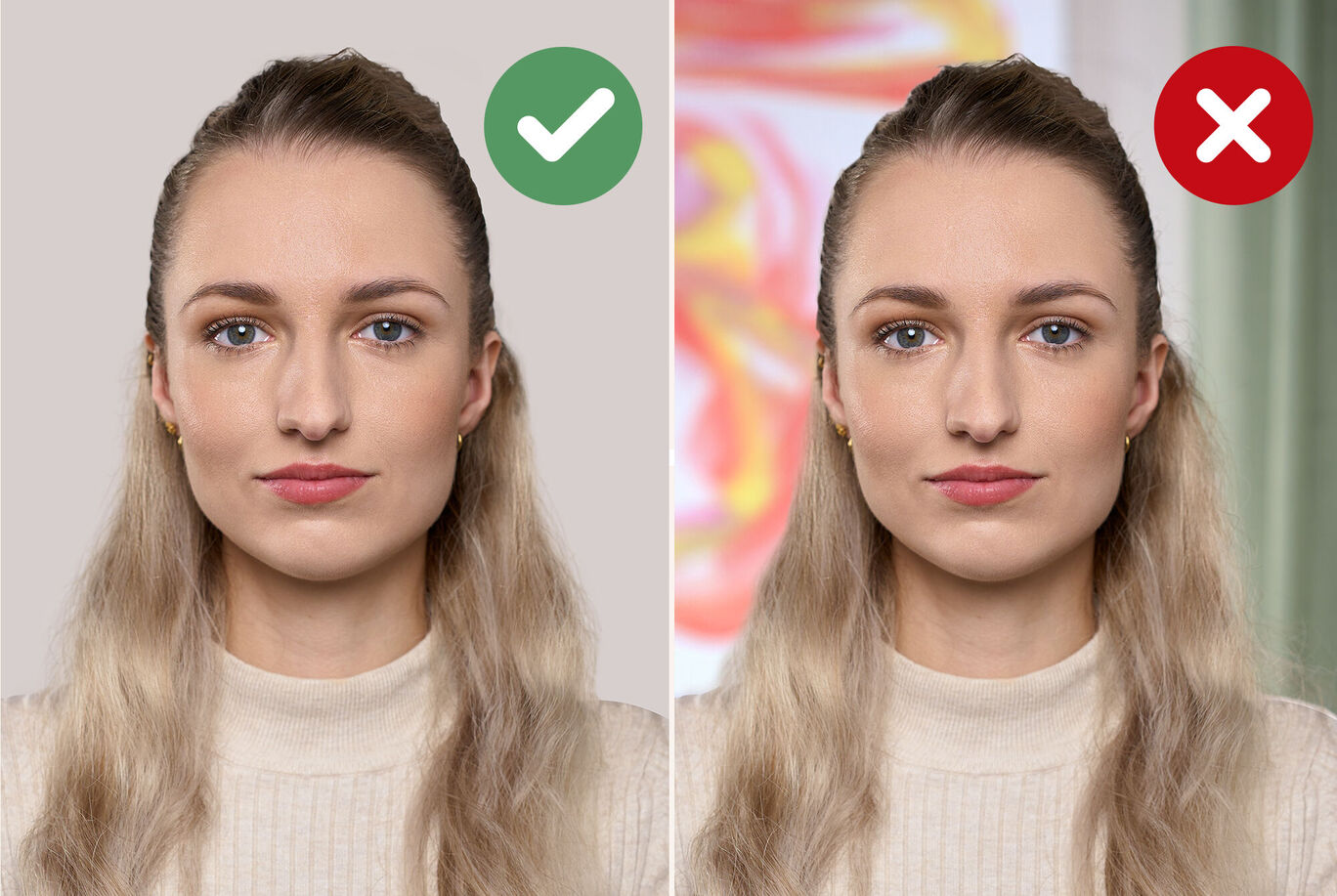
Background The background must be a light, solid color (ideally neutral gray) and should not have any shadows on it.

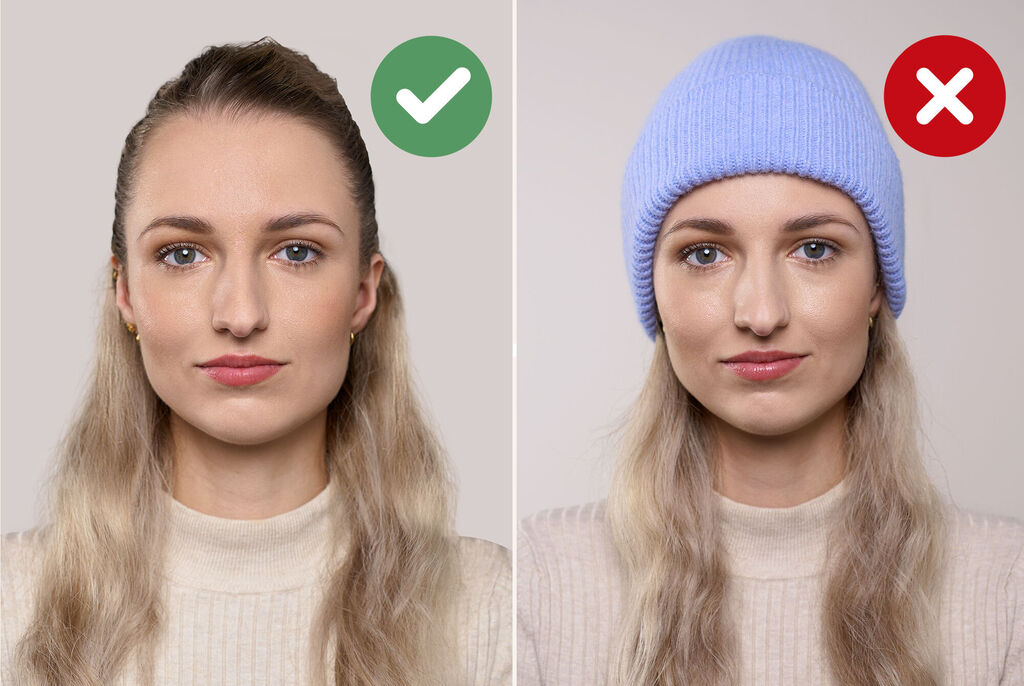
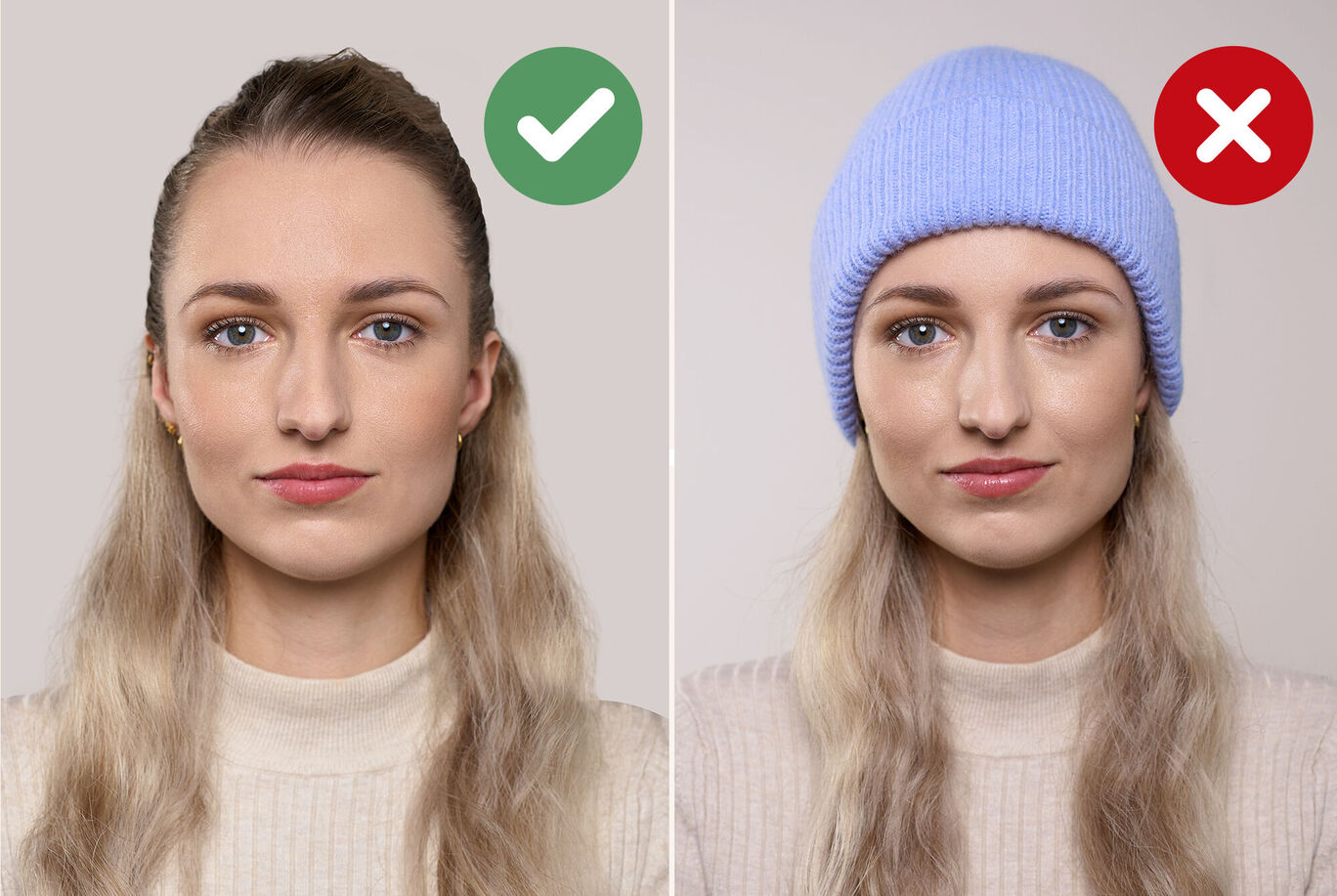
Two women compared, one with a bare head and the other with a blue cap.Two women compared, one with a bare head and the other with a blue cap.

Headwear Headwear is generally not permitted. Exceptions can be made, especially for religious reasons.

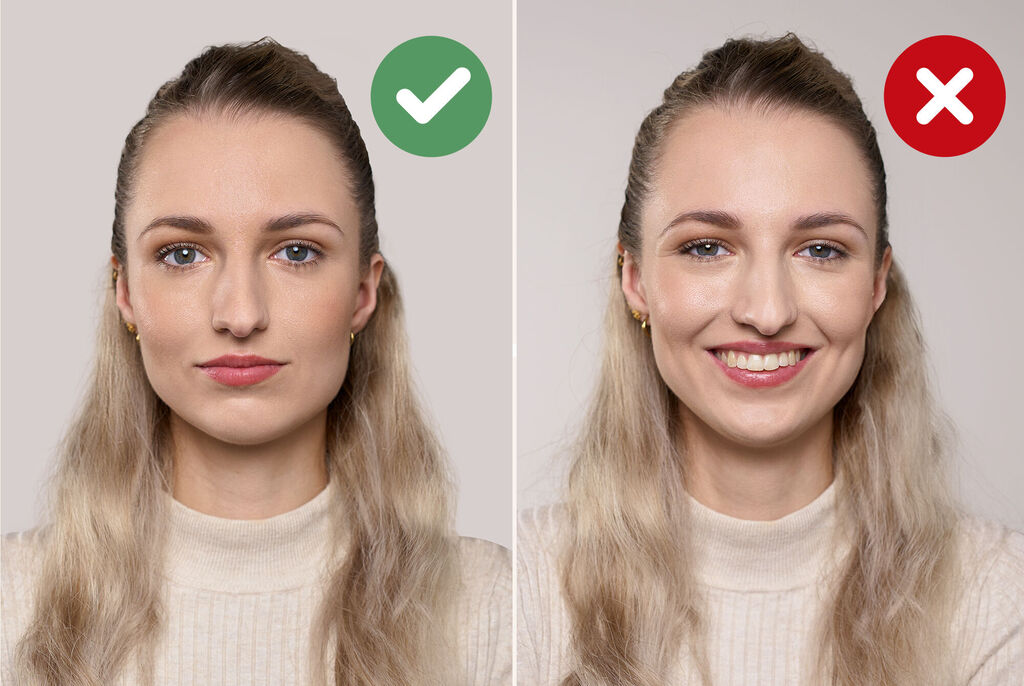
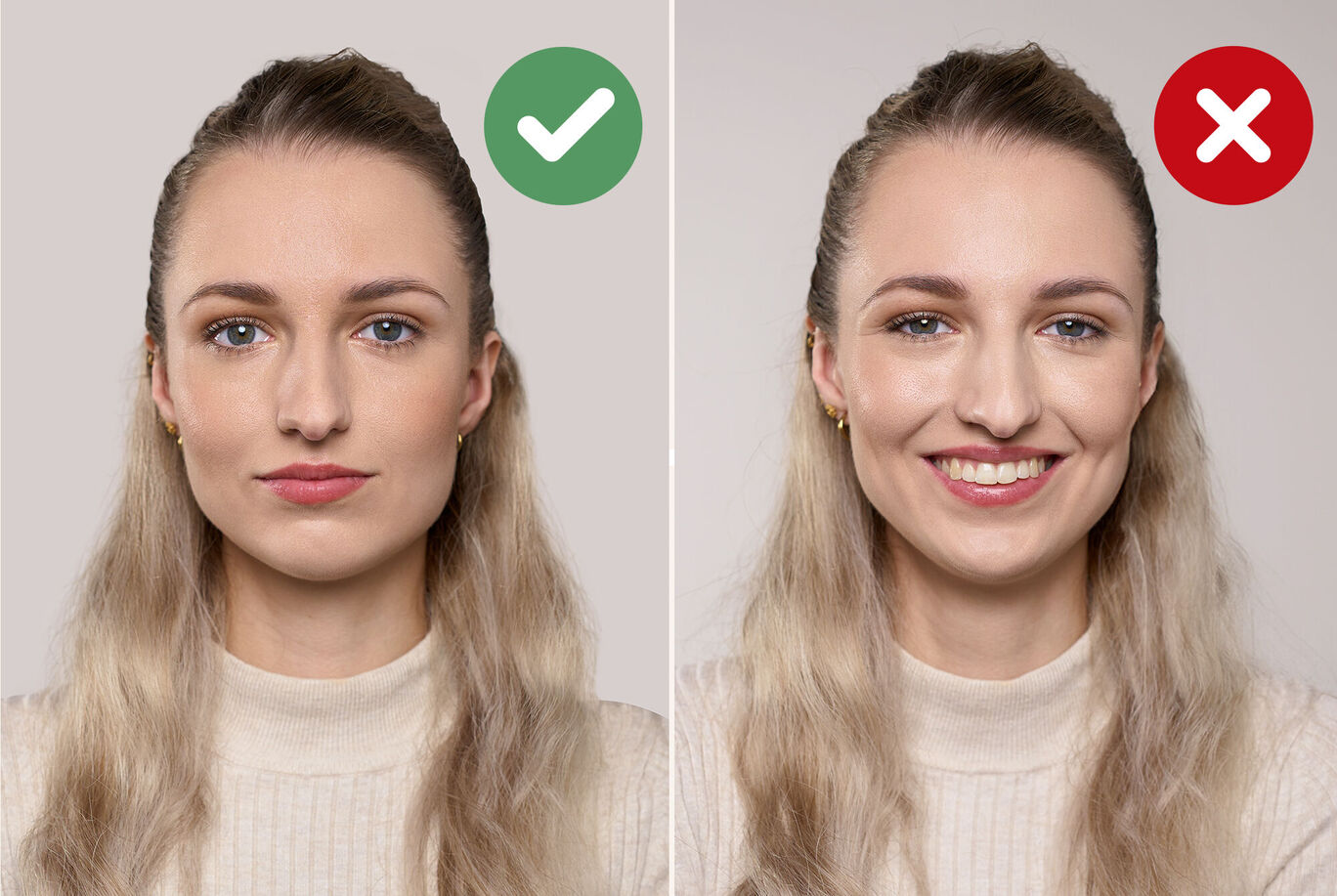
Comparison of two images to create a positive environment for faces.Comparison of two images to create a positive environment for faces.

Facial expression The subject must look directly into the camera with a neutral facial expression and their mouth closed.

Comparison of two images to create a positive environment for faces.

Glasses The eyes must be clearly visible. Reflections on the lenses, tinted lenses or sunglasses are not permitted.

Why the CEWE Passport Photo App is the right solution for your passport photos:

A person holds a passport photo form and a smartphone. The app shows a photo ordering feature.

6 reasons to choose our service:

  • 24/7: You decide when and where you want to take your passport photos.
  • You're in control: Take as many photos as you want and then choose the best.
  • Practical for everyone: whether young or old – with our passport photo app you get quick results.
  • For all important documents: The right passport photo for every document.
  • 100% approved: The passport photos we approve are accepted by the authorities
  • Customer service: If you have any questions, simply contact us at service@cewe-global.com

Uses for your passport photos

The right passport photo für every offical document

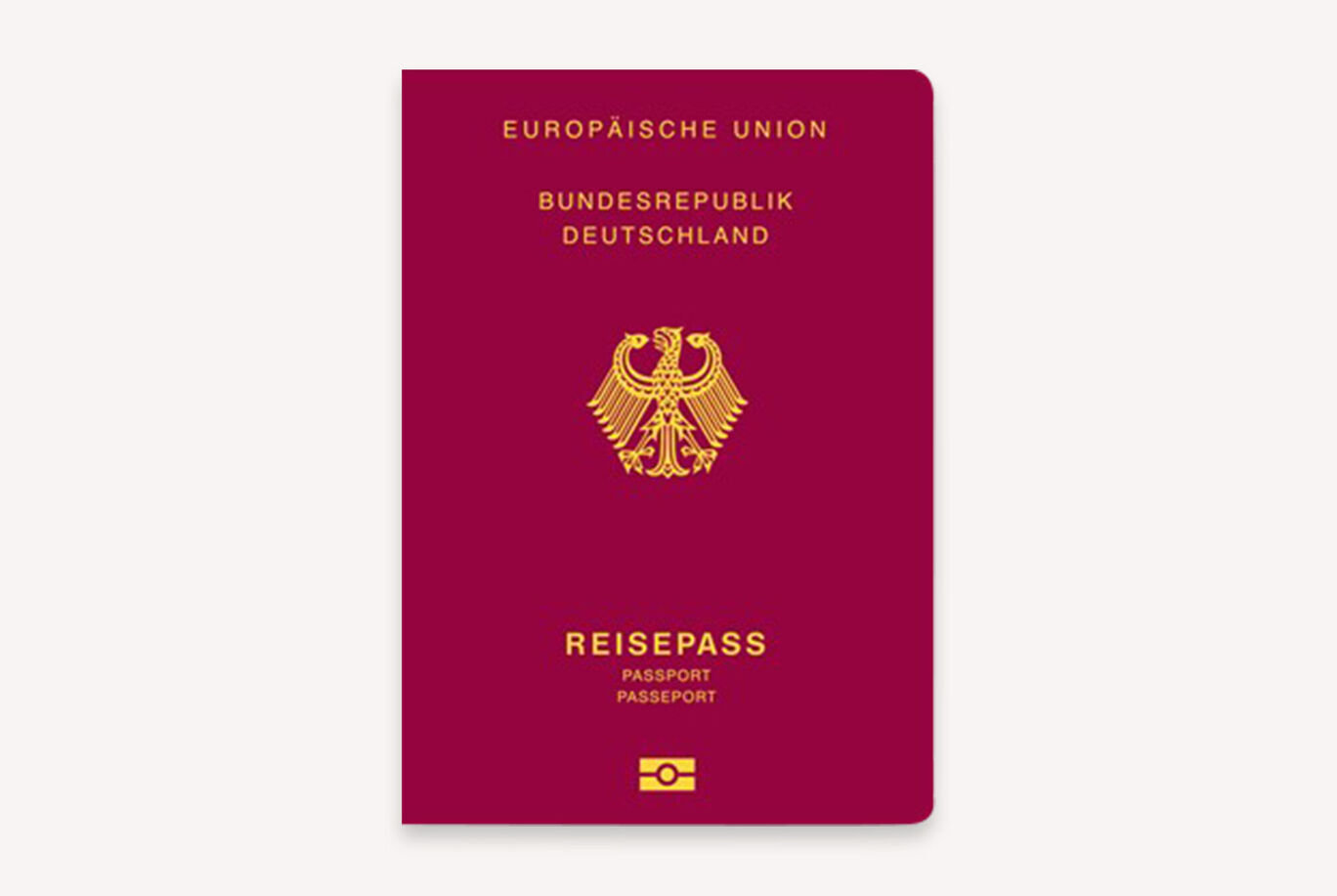
A red German passport book with a golden coat of arms.A red German passport book with a golden coat of arms.

Passport

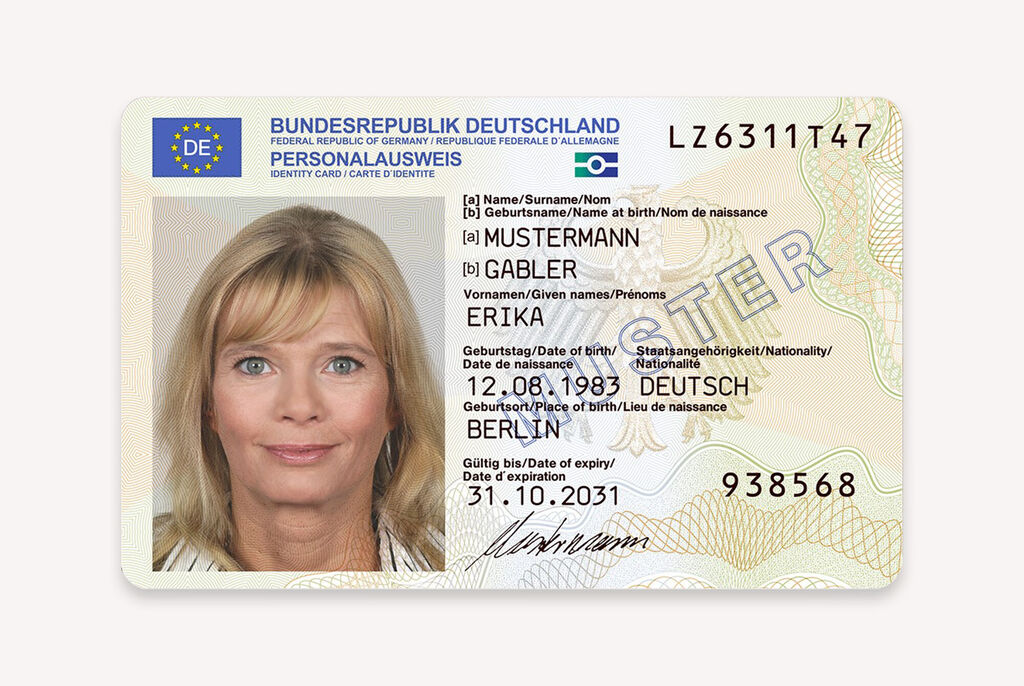
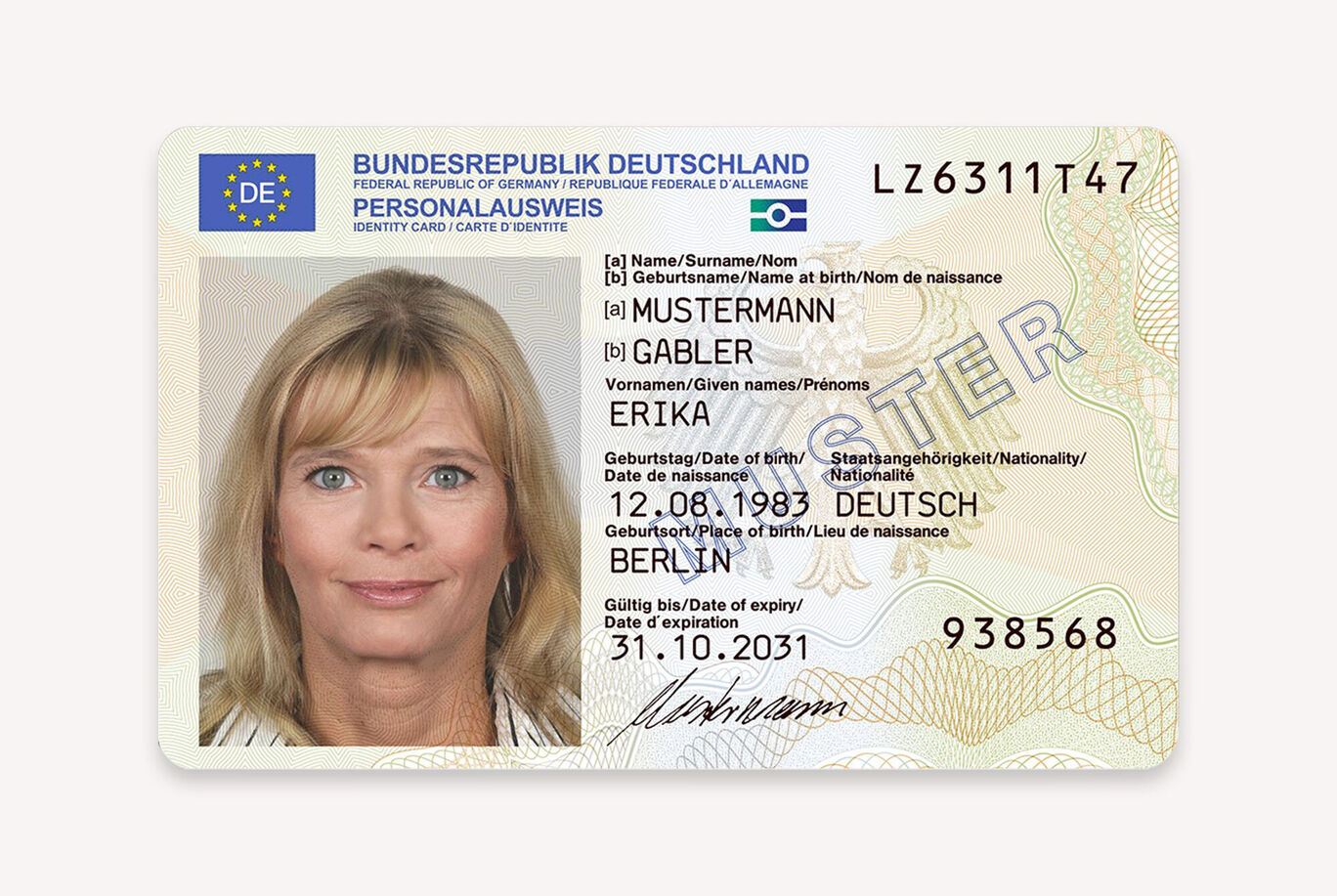
German ID card with important data and security features.German ID card with important data and security features.

Identity Card

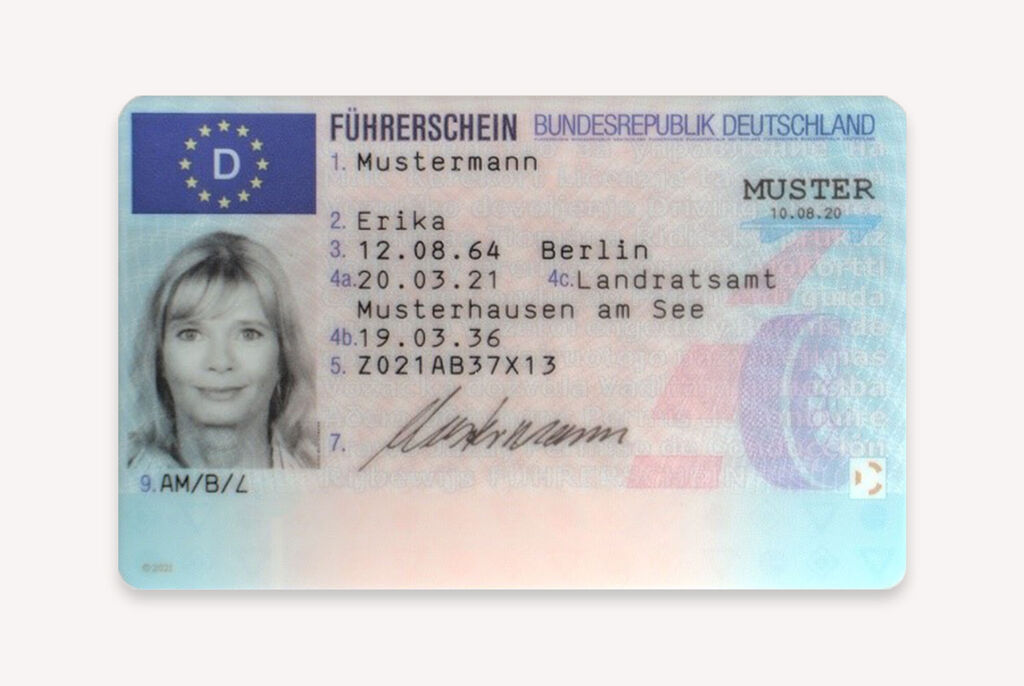
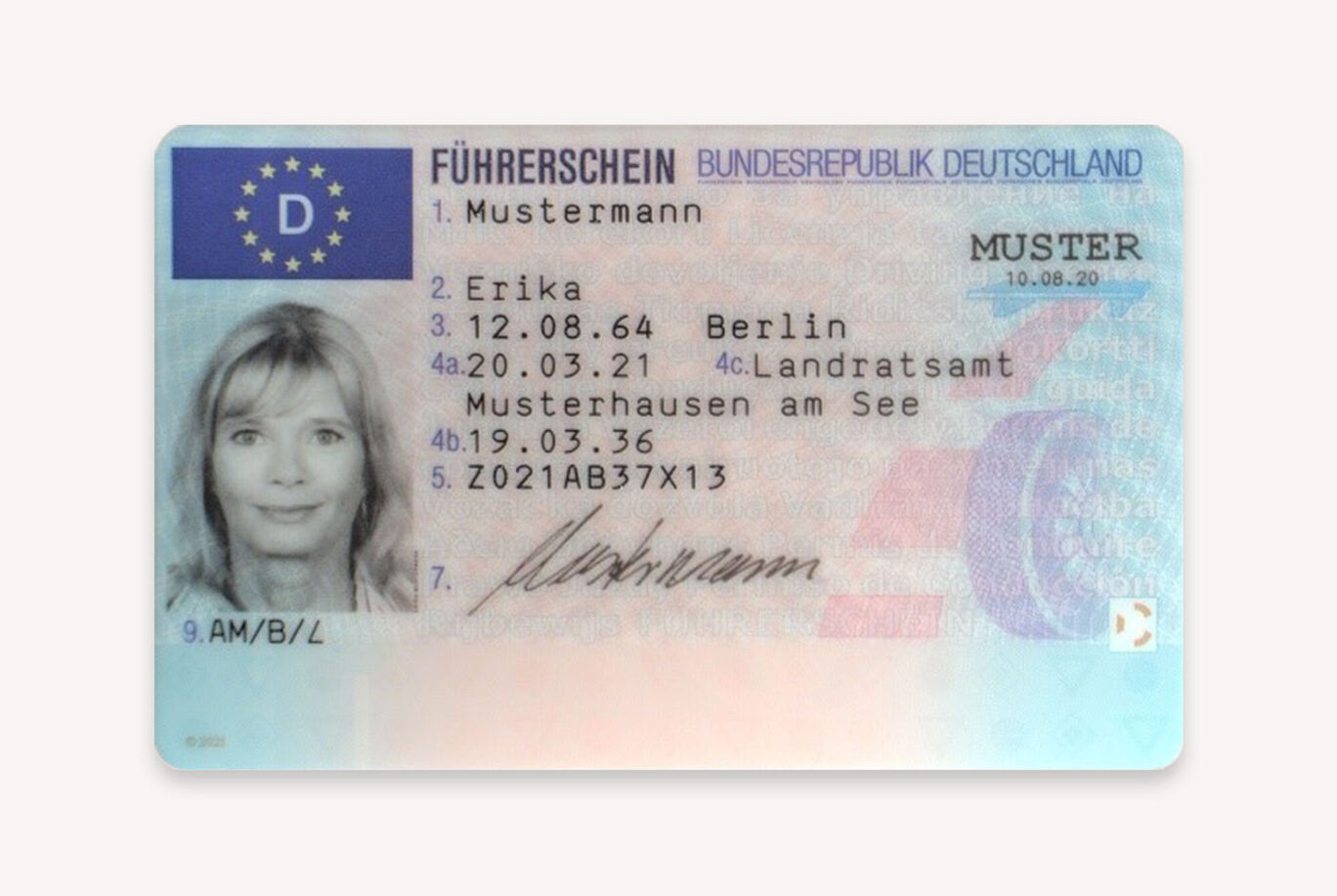
German driver's license with personal details.German driver's license with personal details.

Driver's Licence

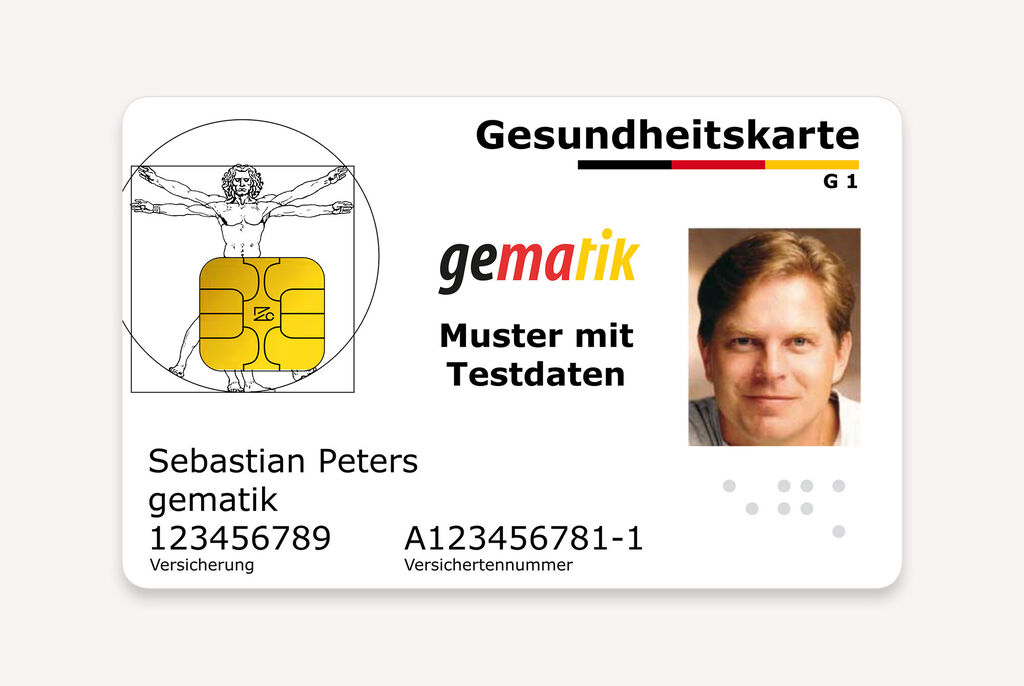
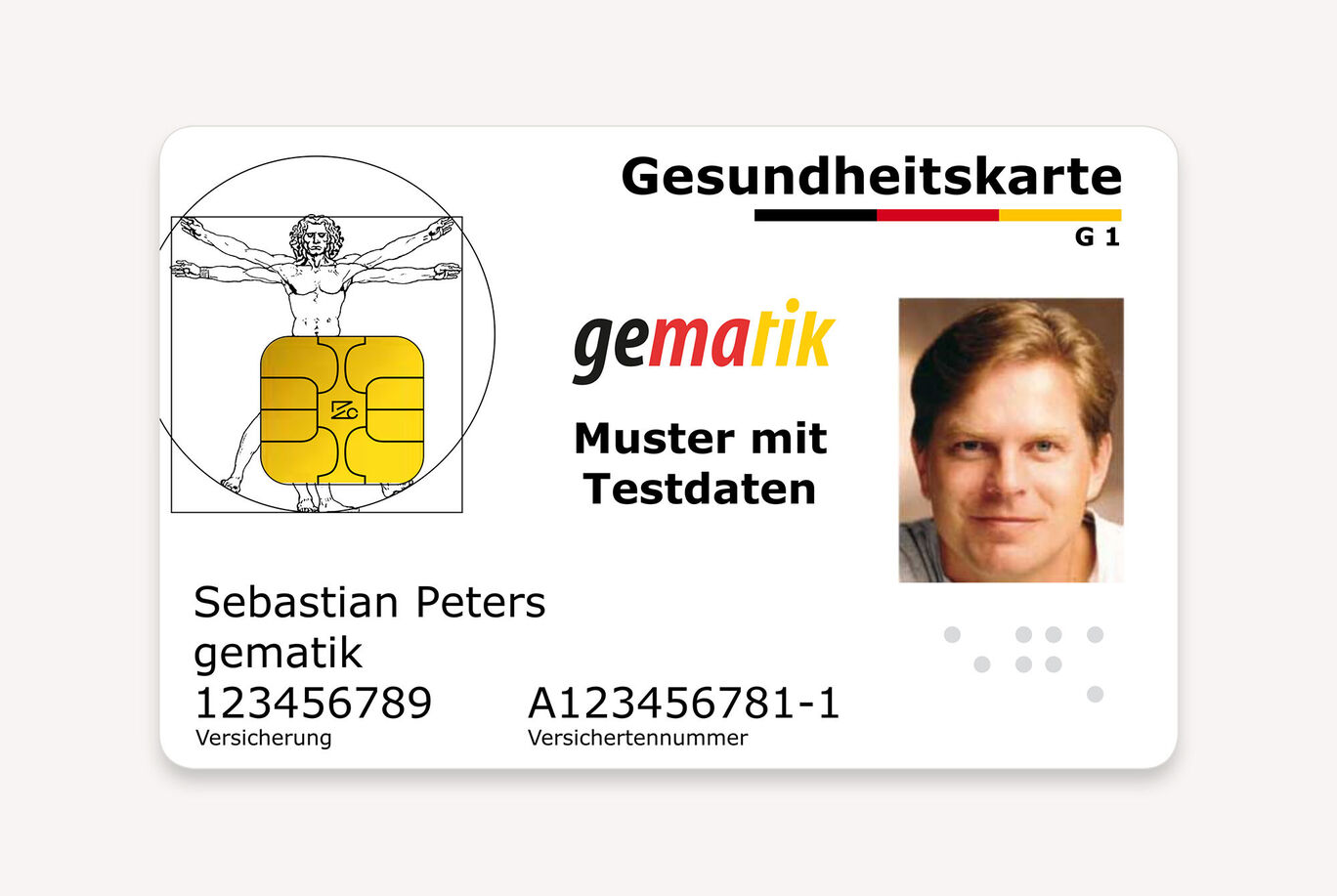
Health card with image, design and important info.Health card with image, design and important info.

Medical Card

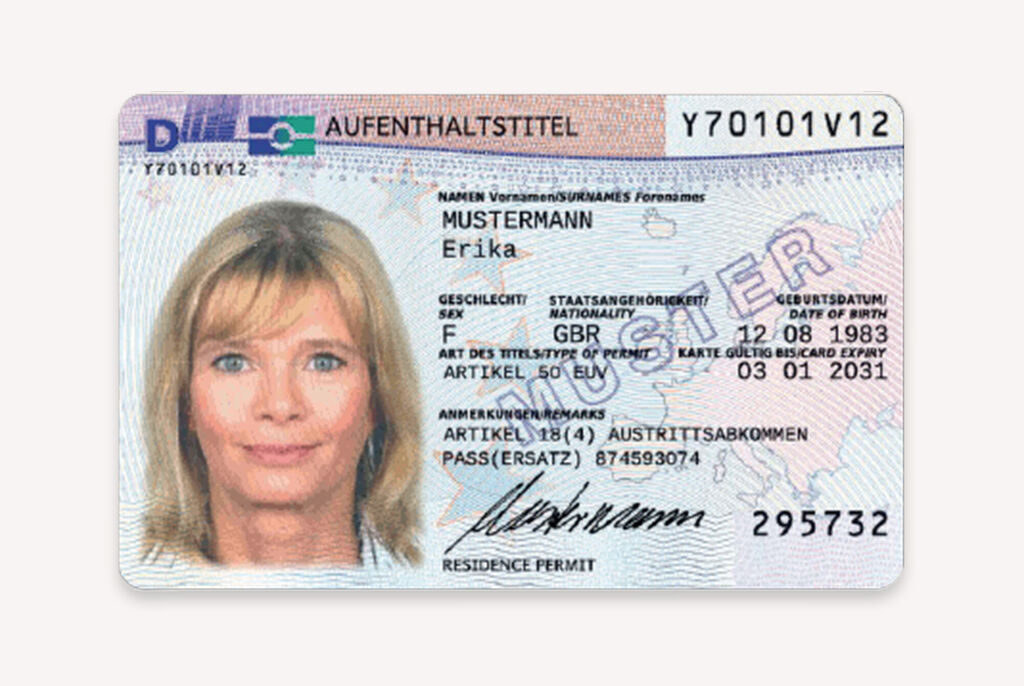
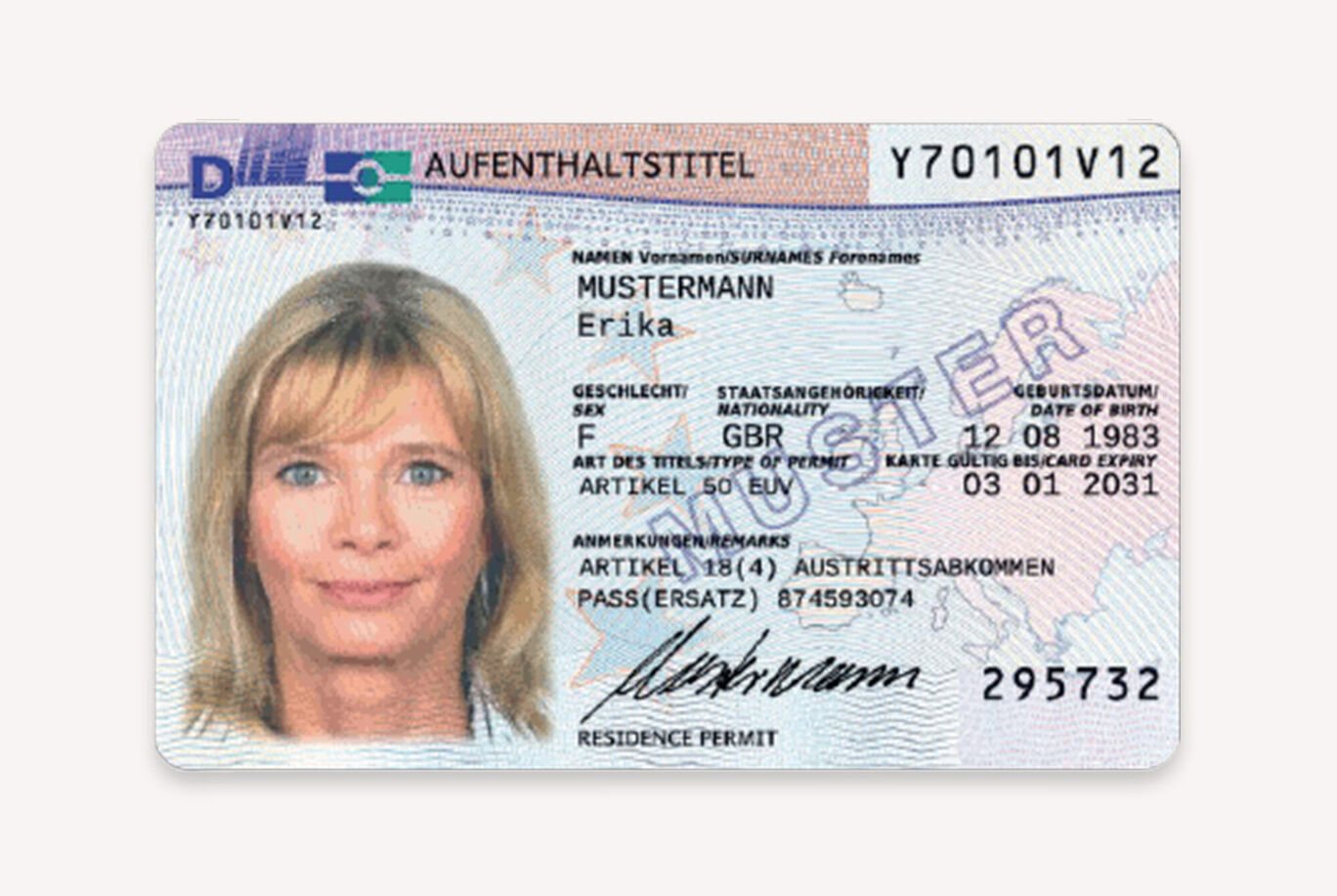
ID card with personal details and photo.ID card with personal details and photo.

Permanent Resident Card

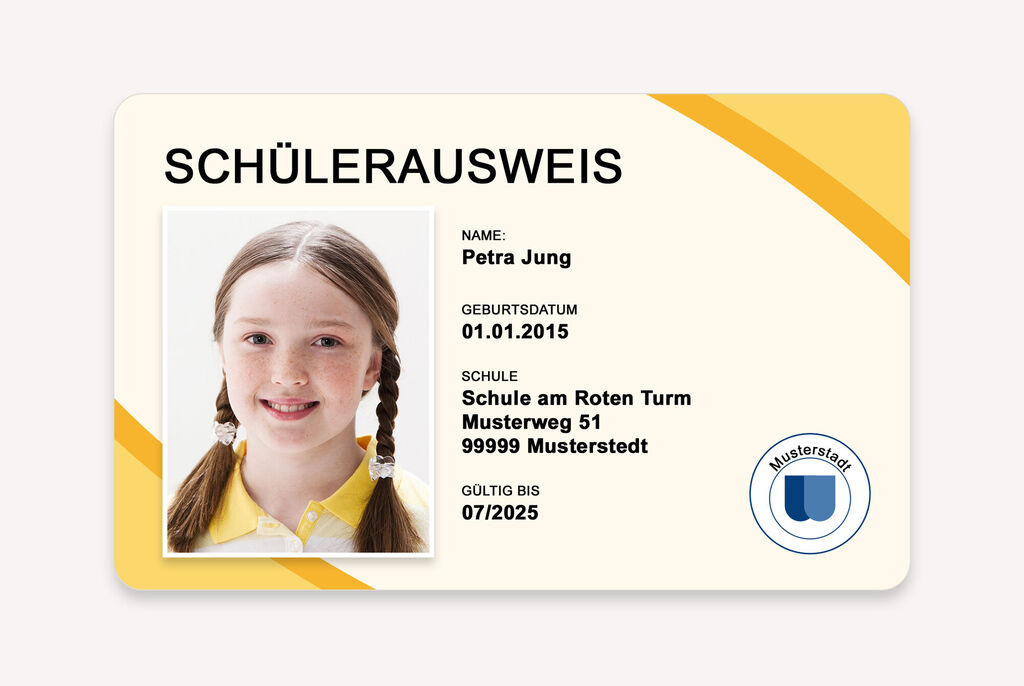
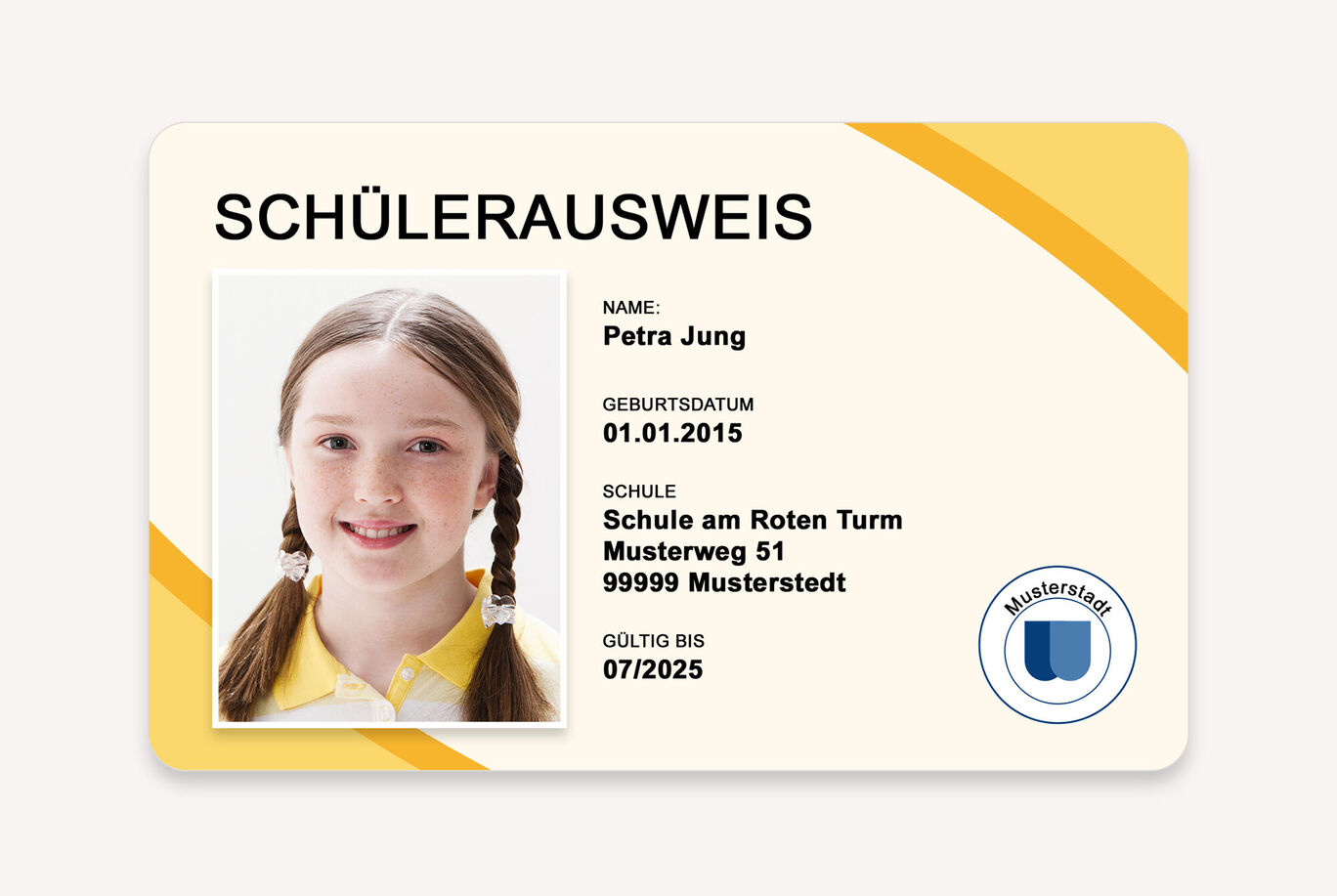
Student ID with info like name, birth date, school and validity.Student ID with info like name, birth date, school and validity.

School ID Card

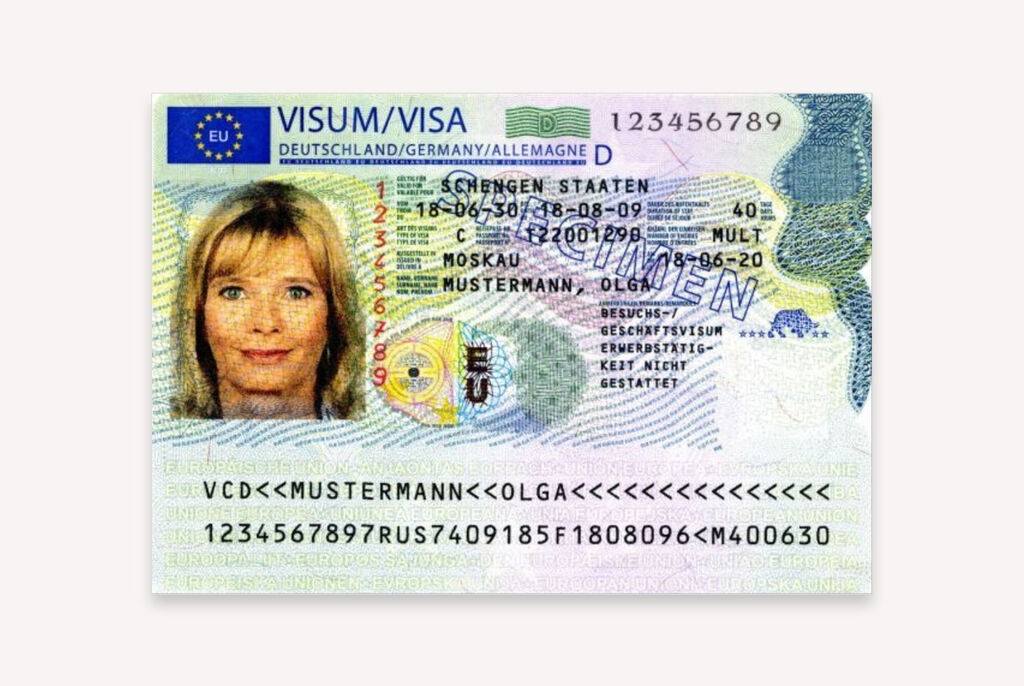
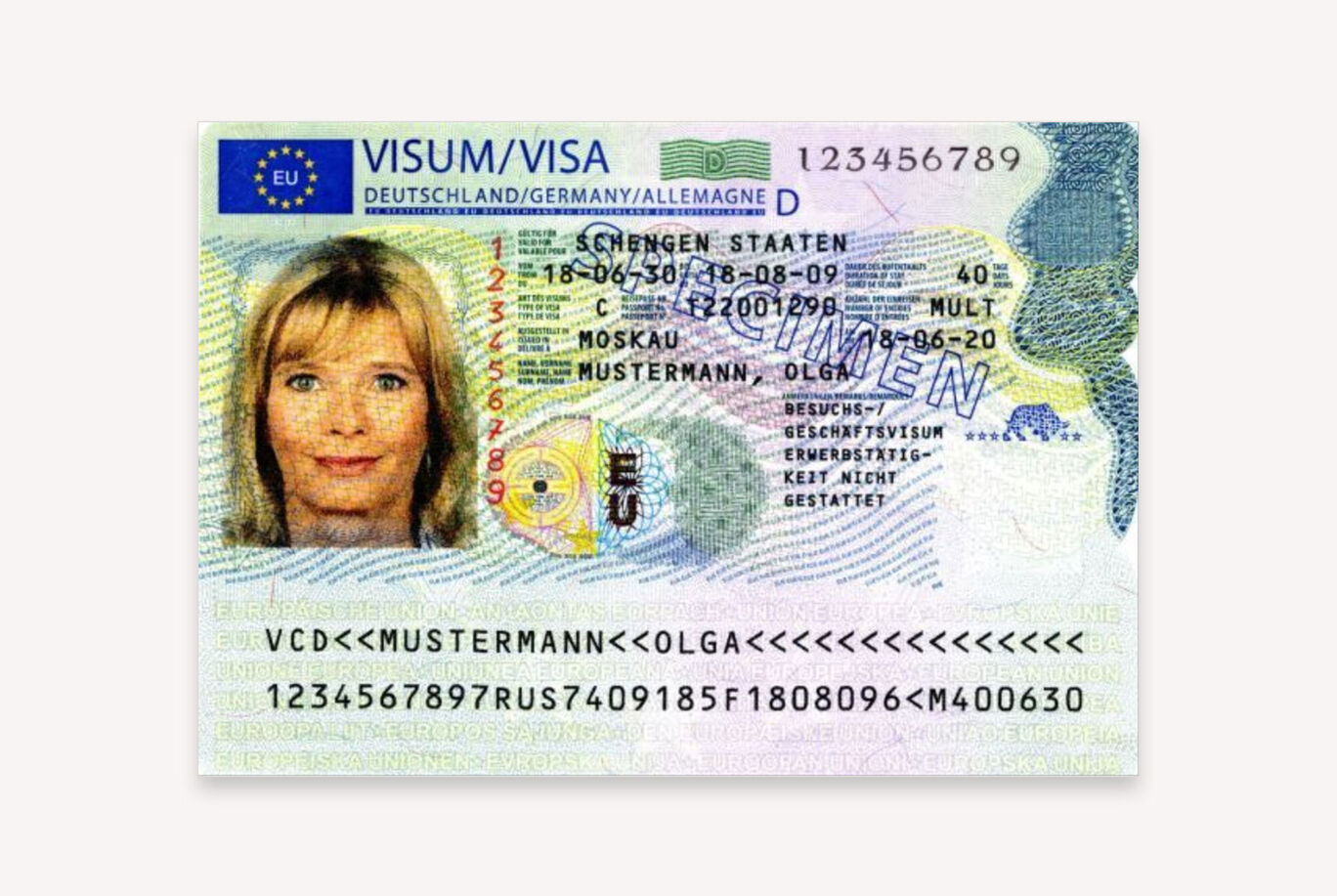
Travel visa for Schengen states with important information.Travel visa for Schengen states with important information.

Visa

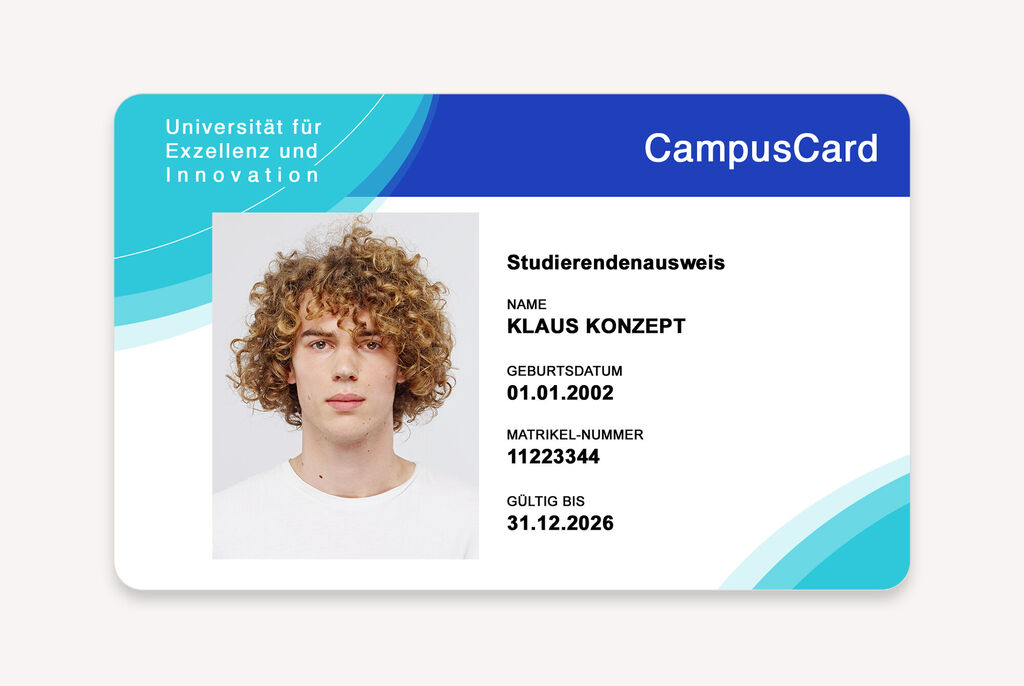
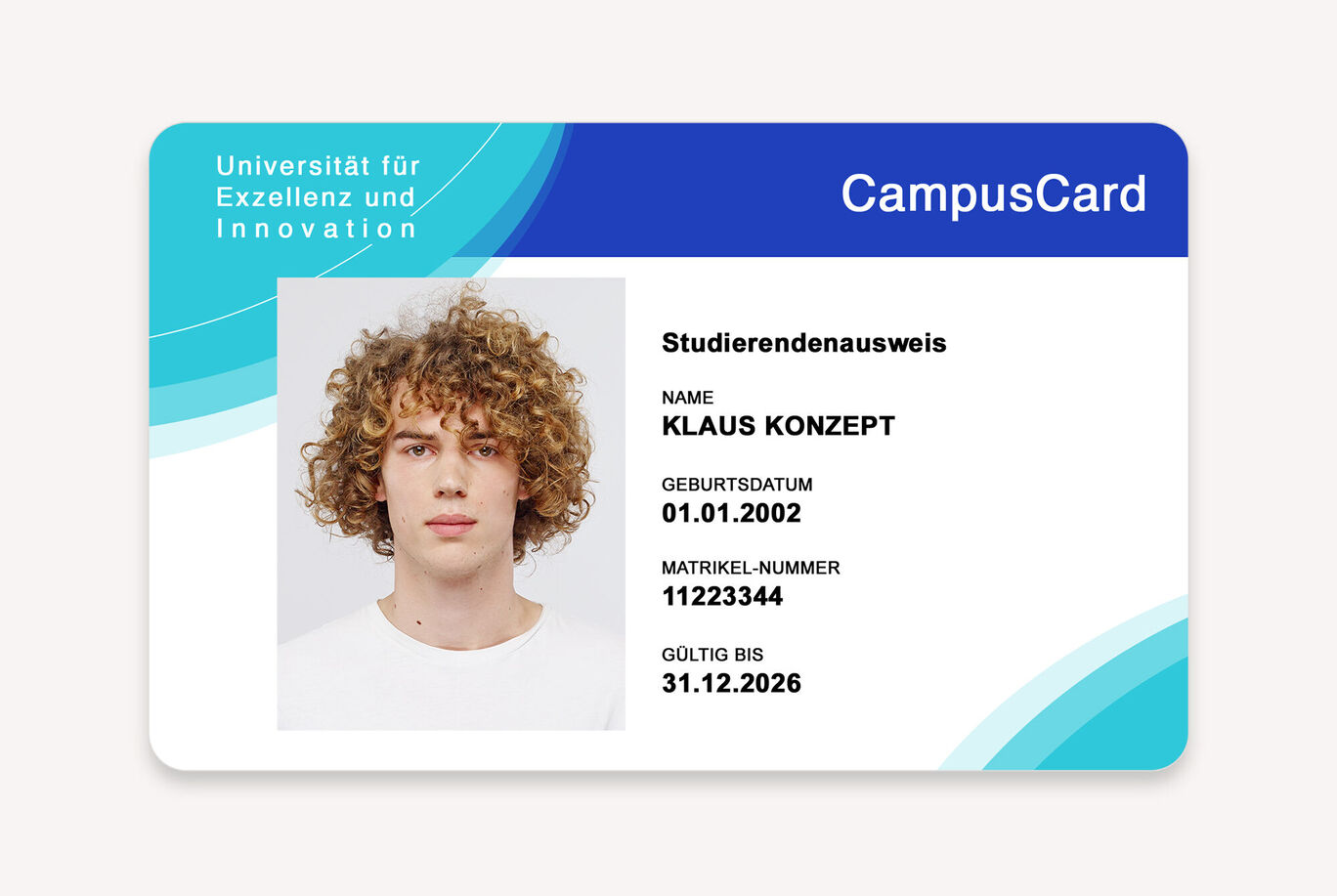
Student ID from a university for excellence and innovation, showing name, date of birth, and student number.Student ID from a university for excellence and innovation, showing name, date of birth, and student number.

Student ID Card

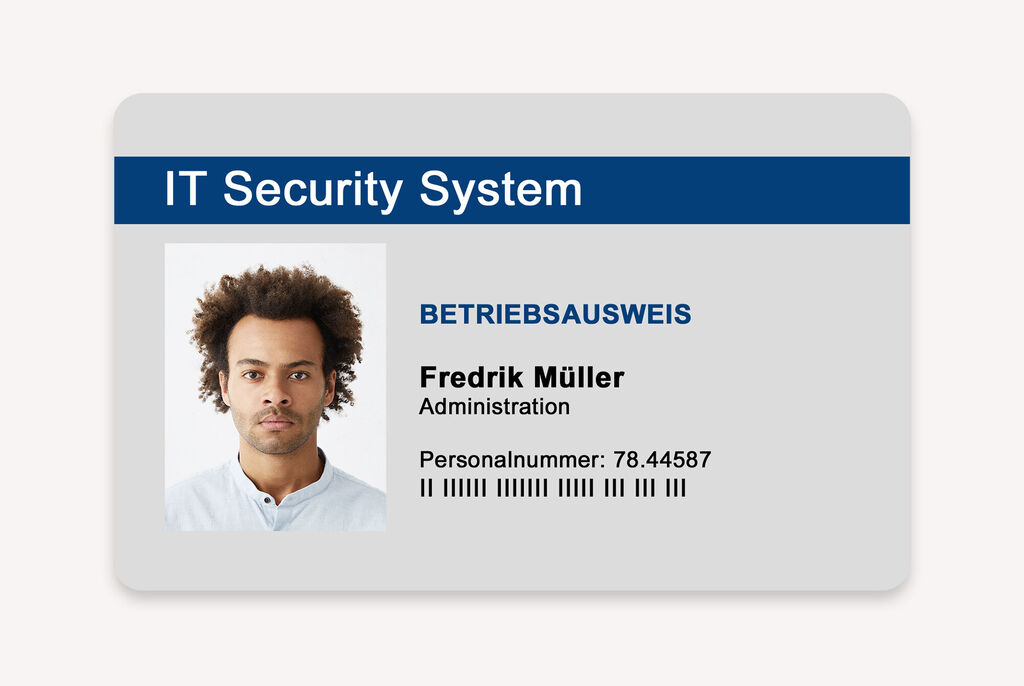
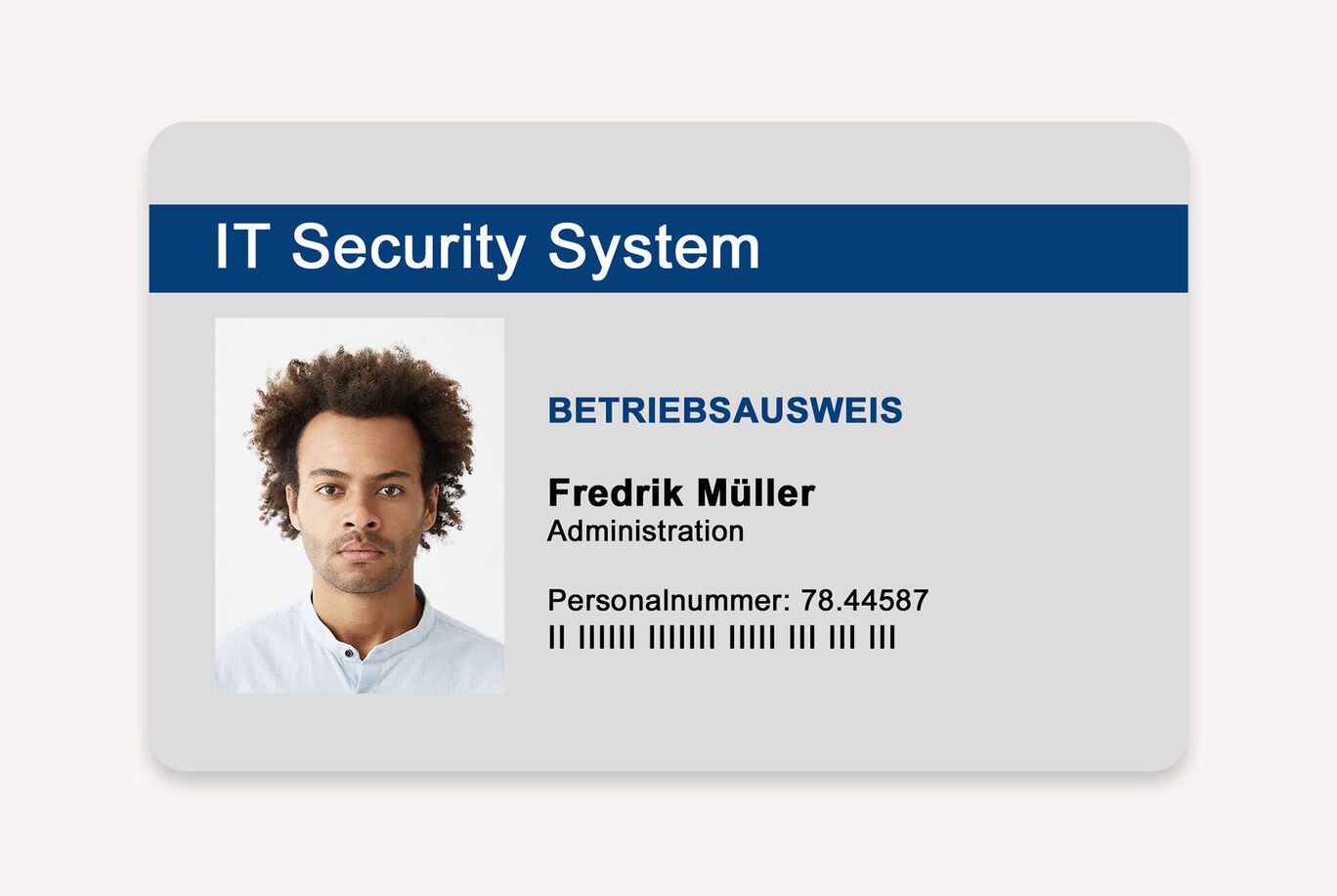
Employee ID with name and personnel number.Employee ID with name and personnel number.

Employee ID Card

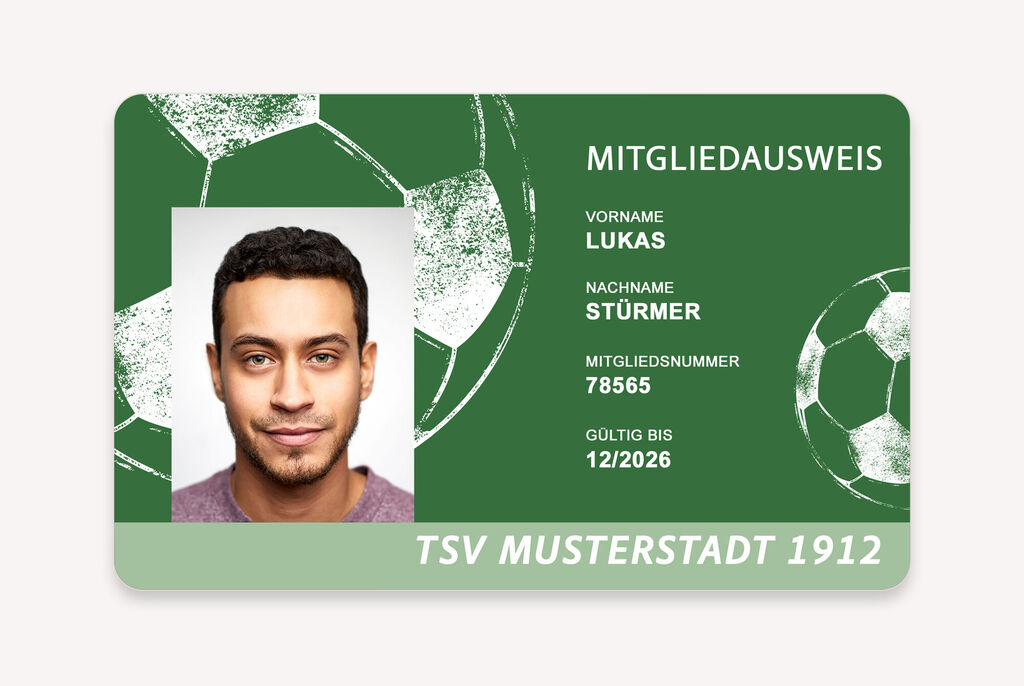
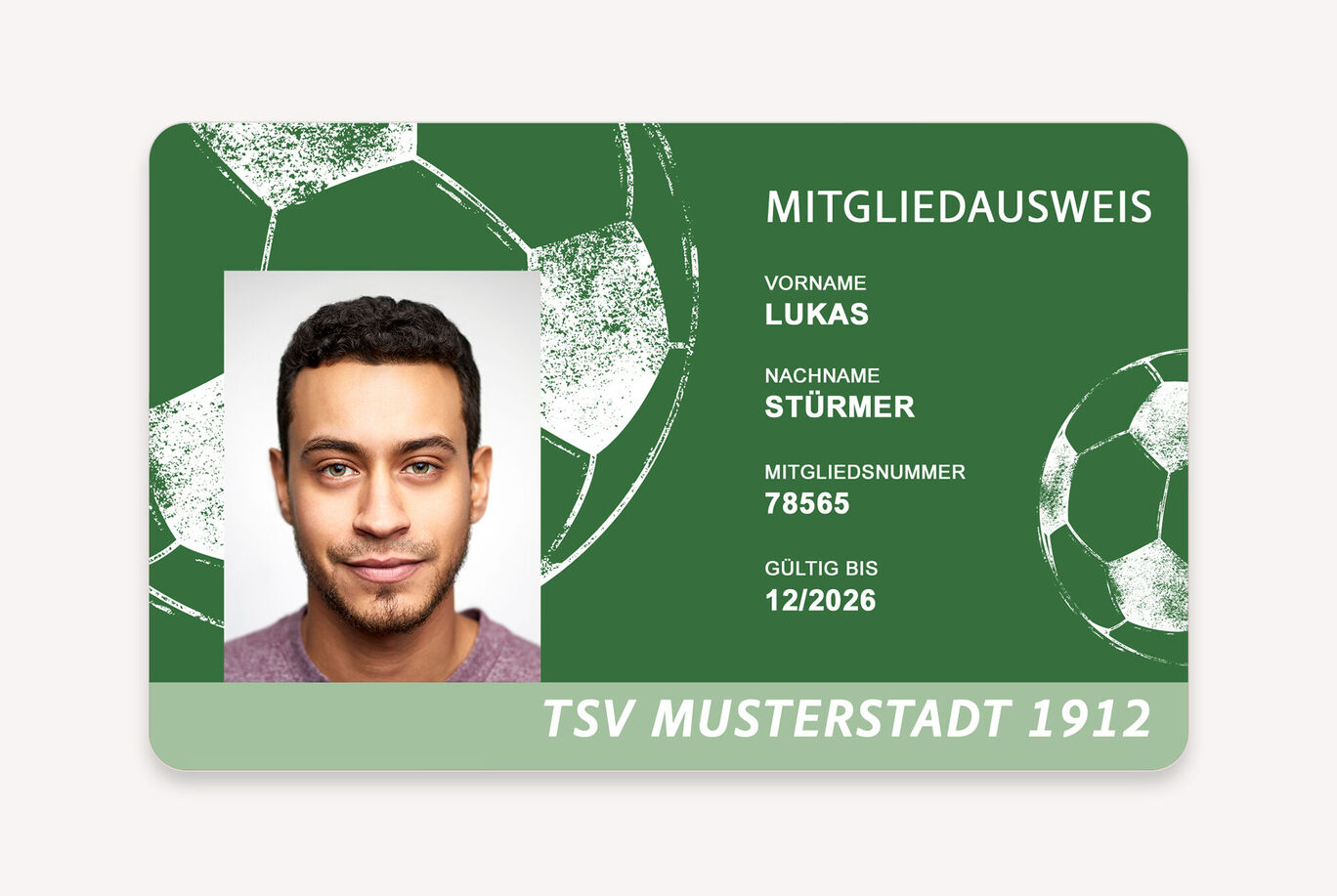
Membership card of a football club with a green background, shows name, member number, and validity date.Membership card of a football club with a green background, shows name, member number, and validity date.

Gym ID Card

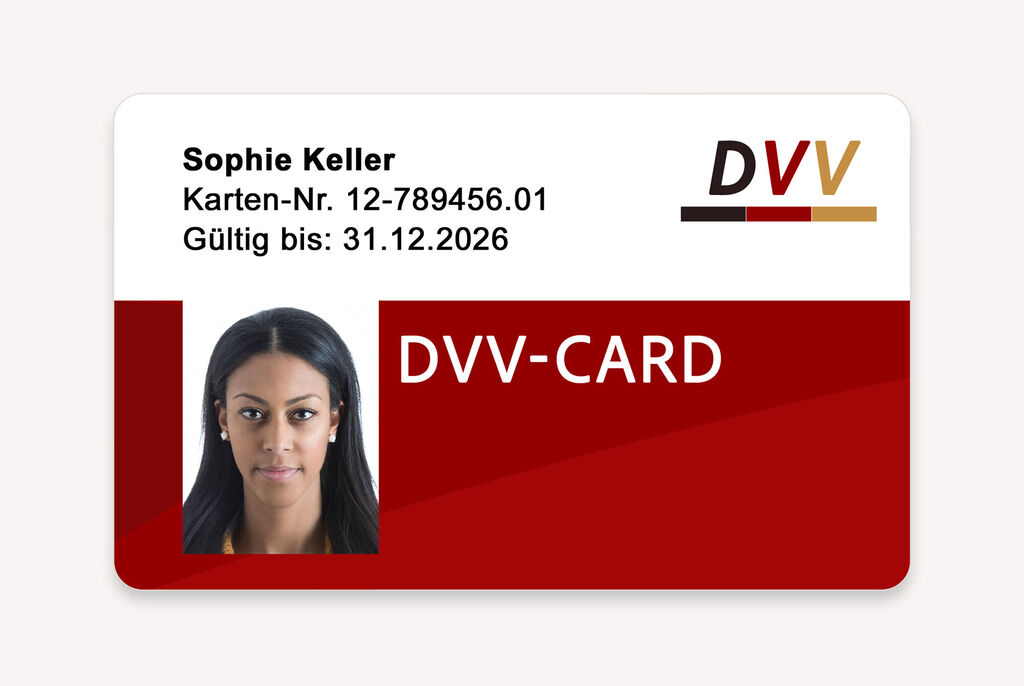
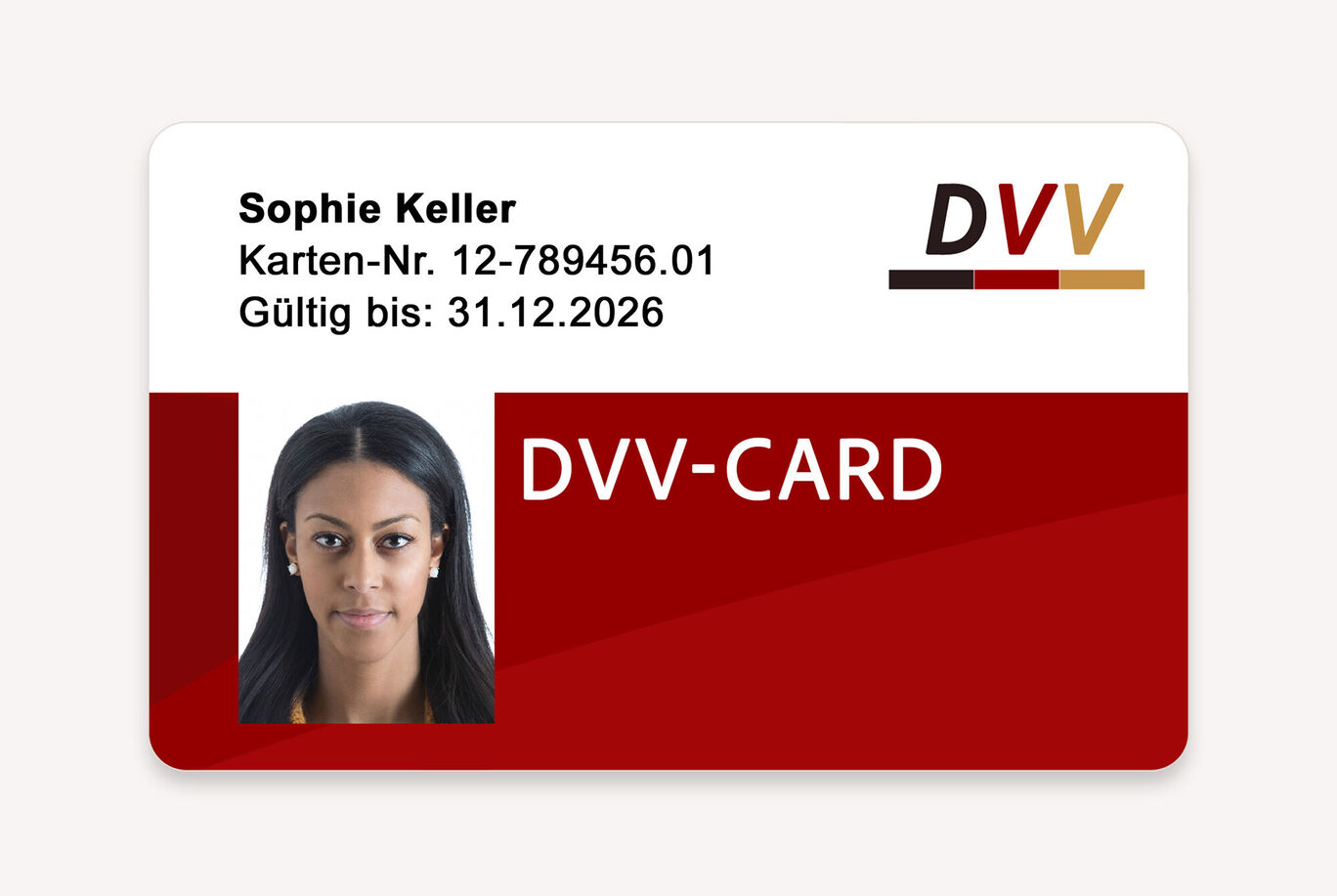
The DVV card shows a red background with white and black text. The name 'Sophie Keller' and card number are printed. Expiration date is 31.12.2026.The DVV card shows a red background with white and black text. The name 'Sophie Keller' and card number are printed. Expiration date is 31.12.2026.

Public Transport ID Card

Print your biometric passport photos

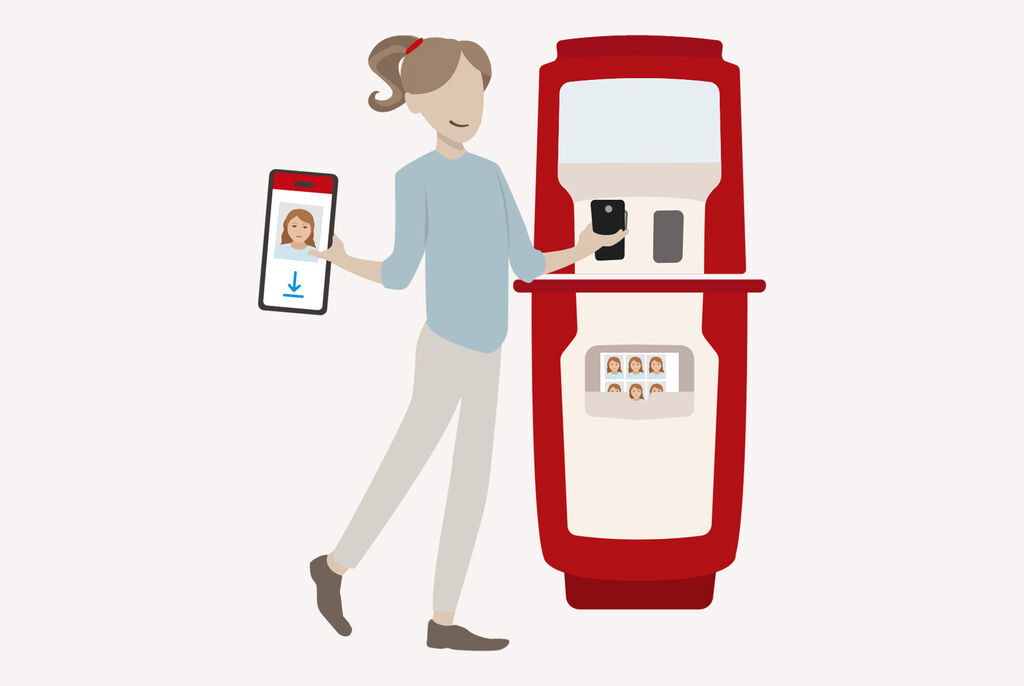
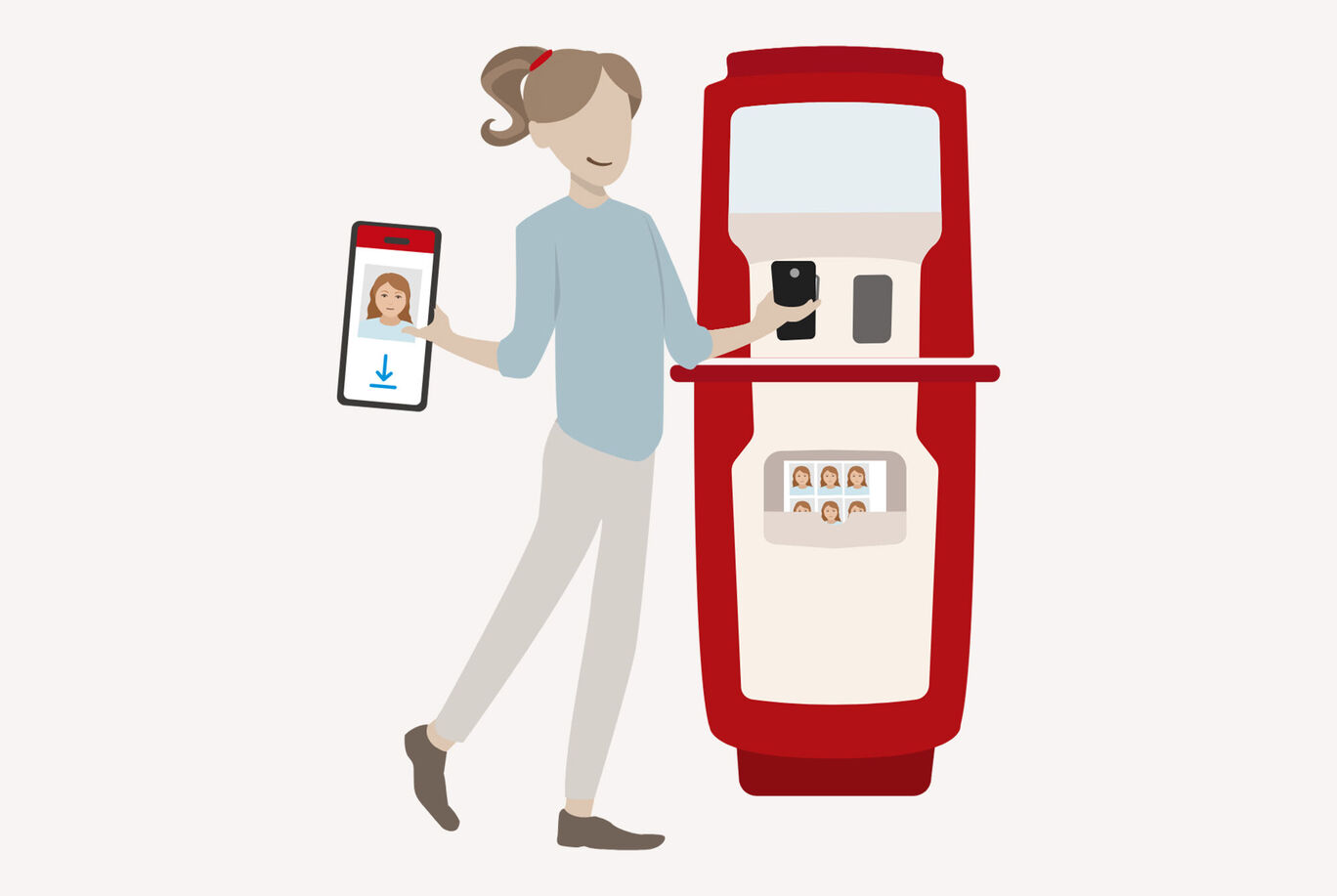
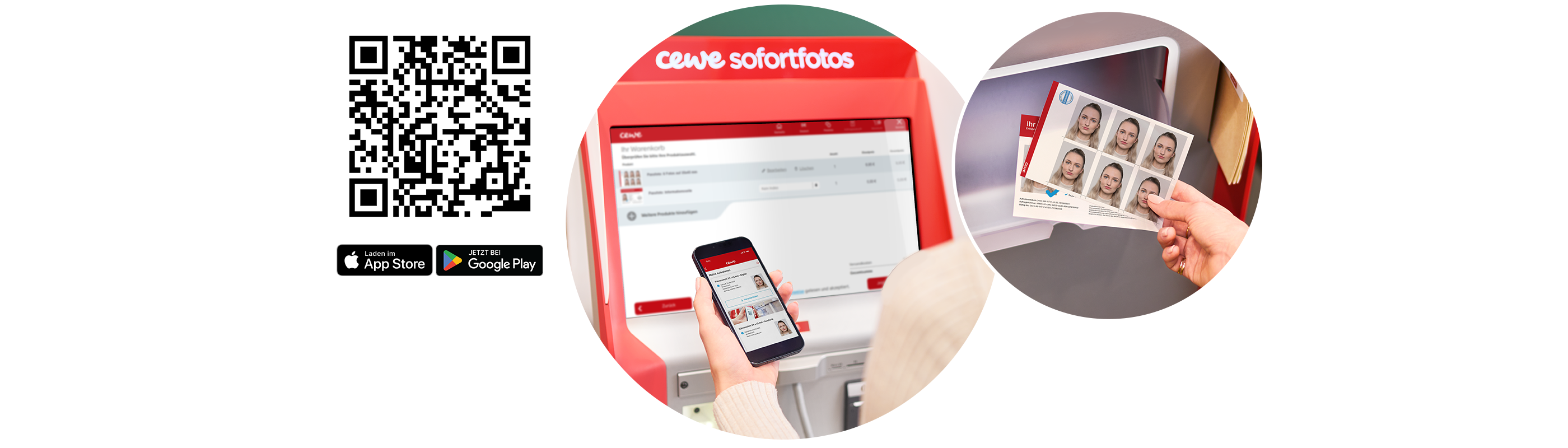
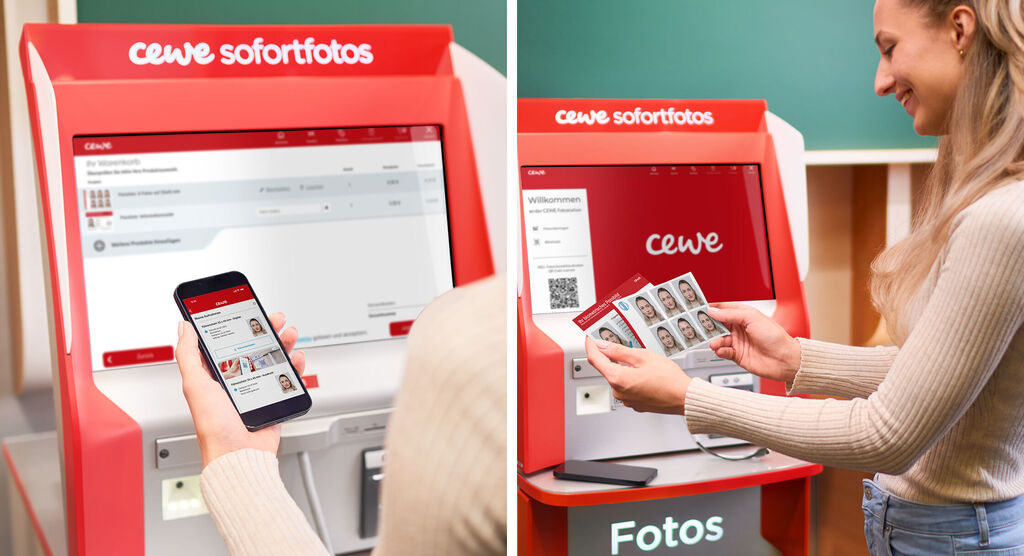
To print your biometric passport photo, go to the nearest CEWE Photostation and scan your personal QR code displayed in the app. Print out the photo and pay at checkout! It's that quick and easy!

Product Details

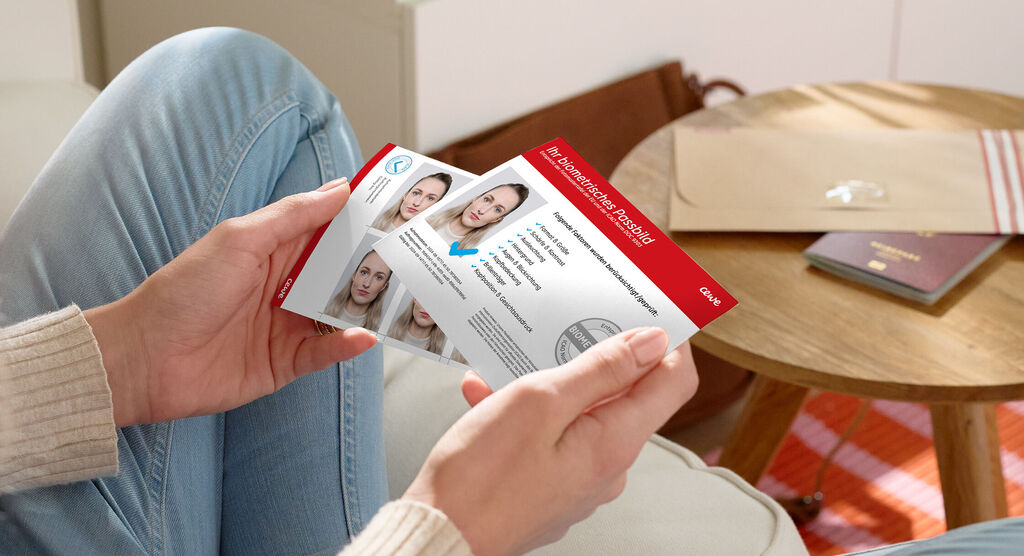
A person holding a CEWE greeting card with two photos and personal details. The background shows a cozy living atmosphere.

Print your biometric passport photos

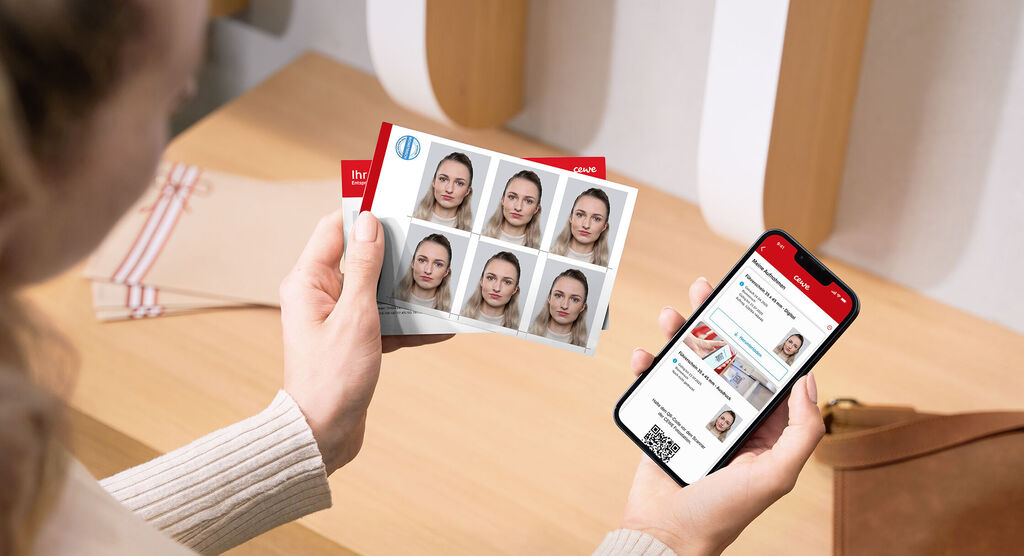
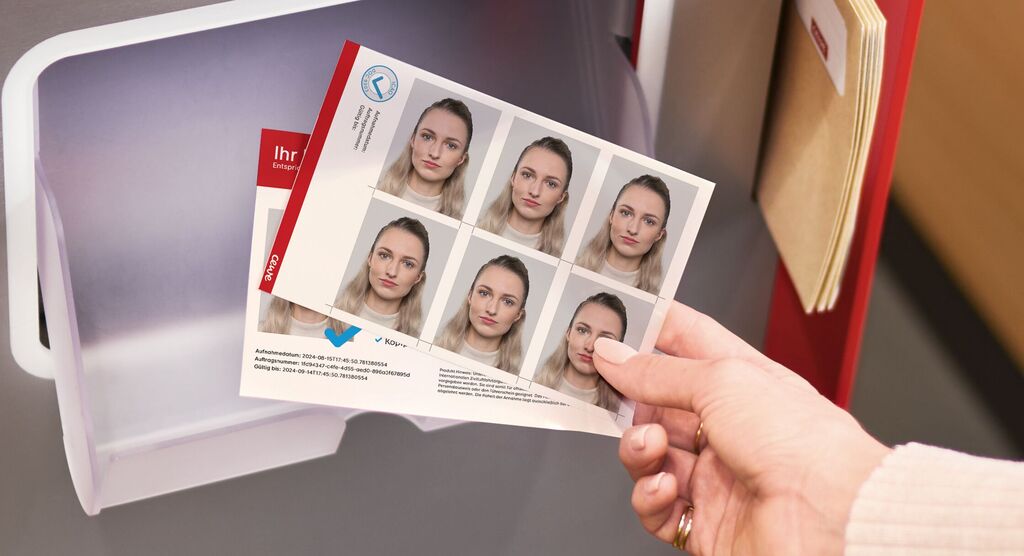
6 biometric photos are printed on one sheet in the size required for the document selected in the app. Visual lines help you cut out the photos.

On the second sheet you will receive an enlargement of your passport photo as well as an overview of the test criteria we take into account (according to ICAO).

Use our App to take your own biometric passport photos

Easy, quick and safe: our App for passport photos in Germany

A hand holds different passport photos stored in a box.

What are biometric photos and why do we use them?

Biometric passport photos are special photos that meet strict technical specifications and capture certain, unique features of your face. This includes, for example, the distance between your eyes, the shape of your nose and mouth, as well as your facial expression and the direction of your gaze. In short, these images make your face distinctive in the combination of these features. Technically, they must meet certain requirements, such as the right image composition, good lighting, suitable background and high resolution. Thanks to these biometric criteria, people can be clearly identified.

Biometric passport photos are mainly used for official documents such as ID cards, passports or driving licenses. They enable the authorities to quickly check upon entry whether the person presenting the ID is actually the rightful holder. This makes forging such documents much more difficult. But these photos are also used beyond that: some airlines use facial scans instead of always requiring a boarding pass, and in some companies they serve as access control. Biometric passport photos are not only practical for travel and security measures, but also useful for everyday life.
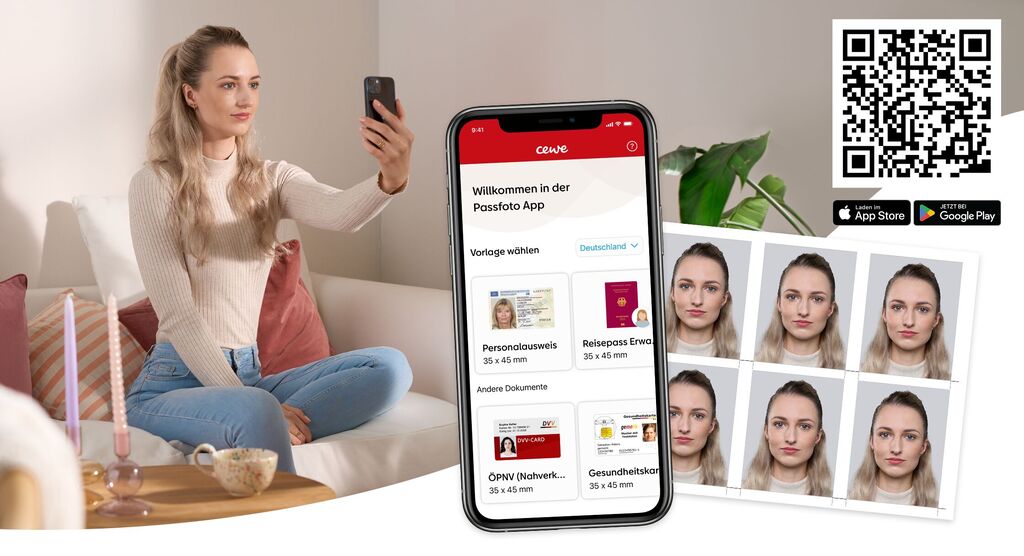
A person holds a smartphone and looks at a selfie. A colorful mural is in the background.
Quick and easy solution for your passport photos

With the CEWE Passport Photo App, taking biometric and non-biometric passport photos becomes child's play! Forget an expensive and time-consuming photo session with a photographer – download the app on your smartphone and get started straight away. Select the document for which you need a biometric photo and follow the app's simple steps. The app provides practical tips so that you can take the perfect picture quickly and easily.

The best part? You can take as many photos as you want in your usual surroundings and choose your favourite. The CEWE passport photo app adjusts the background and ensures that all official biometric requirements are met. The biometric verification takes place in real time within a few seconds.

The CEWE passport photo app saves you time and money and gives you control of the results. Whether for ID cards, passports or driving licences – the app is your reliable partner for perfect passport photos!

Woman uses CEWE instant photo booth with smartphone and printed photos.

Scan the QR code and print a passport photo set

If you decide to print to print your digital passport photo at a CEWE Photostation situated at one of our participating retail partners, then your printed set of 6 passport photos and the biometric verification form are just a scan away! Simply go to the nearest CEWE Photostation and scan the QR code from the app. Your passport photo order will be immediately added to your shopping cart.

All you need to do is confirm the terms and conditions and start printing and pay at the checkout in the store. Thanks to the large number of CEWE Photostations inEurope, printing is easy and stress-free. You can be sure that your photos meet all biometric requirements.

What are you waiting for? Start now and find your nearest CEWE Photostation.